Product guide
Connect your AI agent to Wahlu with MCP
Start with a draft, check the right account and schedule only when you are ready.

Steve Richardson
Creator of Wahlu
· 4 min read
An AI agent can help prepare a post. Giving it access to the right social account is a separate decision, and publishing is another one again. Treating those as separate steps makes your first connection much easier to check.
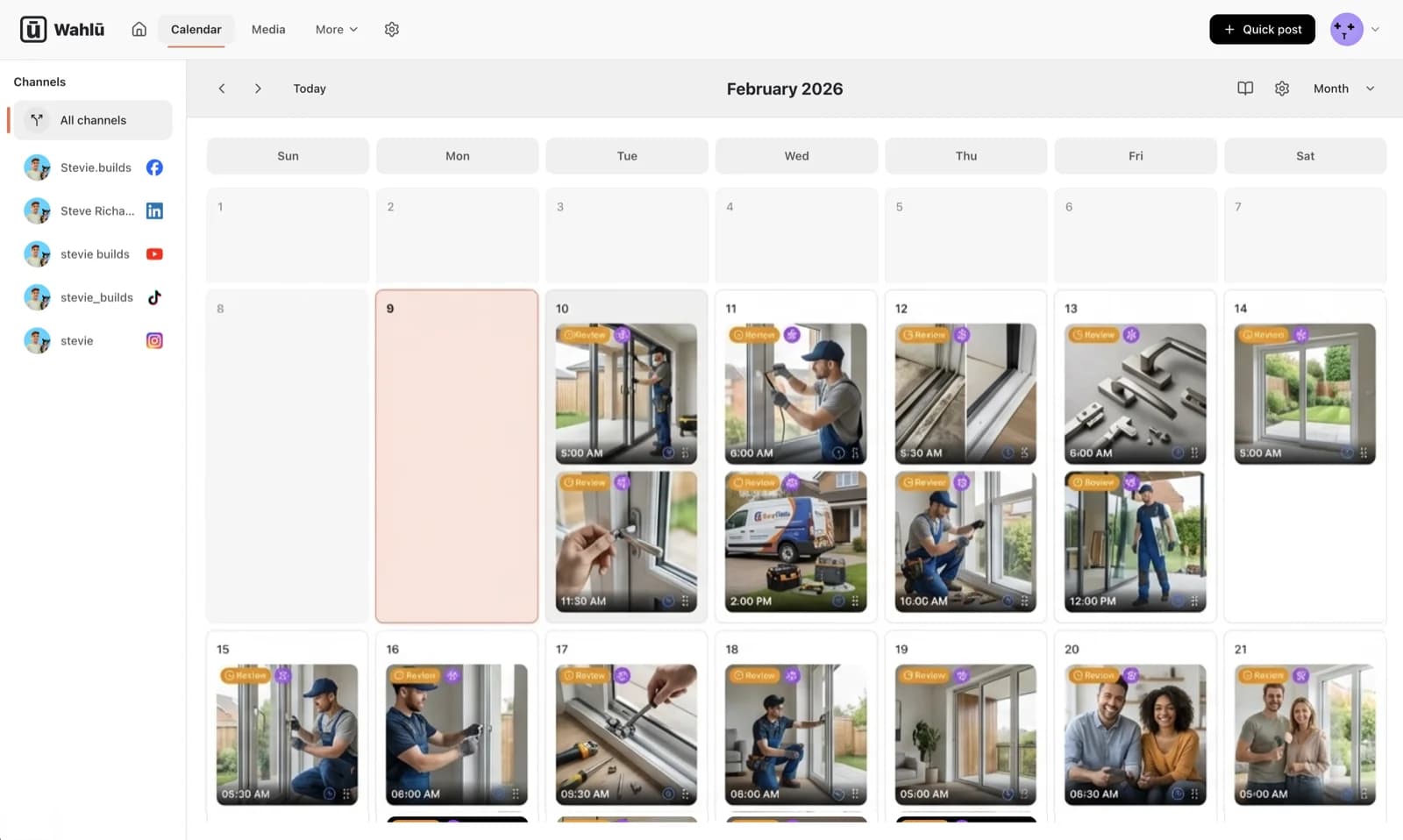
Wahlu's hosted MCP server lets a compatible agent work with your brands, media, drafts and publishing schedule. You can use the browser calendar alongside it; connecting an agent does not replace the web app.
This guide uses a deliberately small first task: prepare one draft for one brand, inspect it, then decide whether to schedule it. You do not need to hand over a whole content calendar to find out whether the connection works.
What you need before connecting
You need a Wahlu account, a brand to work with and an agent client that supports custom remote MCP connections with OAuth. Availability of custom connections depends on that client's settings and your organisation's policy.
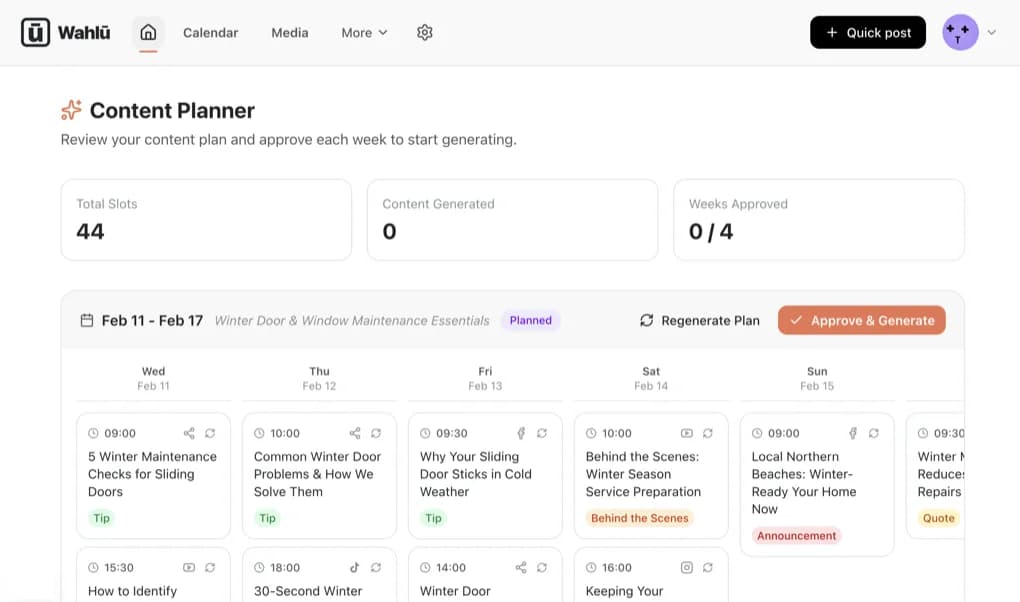
Connect the relevant social accounts in Wahlu first. Today, Wahlu supports Instagram, Facebook, TikTok, YouTube and LinkedIn personal profiles. LinkedIn company pages and Google Business are coming soon. The available post formats and requirements differ by platform, so a successful connection does not mean every image or video can be published everywhere.
Agent access is included in Wahlu's plans. That is different from Wahlu AI content-generation credits; check the pricing details if you want Wahlu itself to generate the content too.
Add the hosted server
In your agent's connection settings, add a custom remote MCP server using this URL:
https://mcp.wahlu.com/mcp
Choose OAuth authentication, sign in to Wahlu and select the workspace, brands and permissions the agent needs. The hosted connection uses Wahlu sign-in, not a Wahlu API key pasted into a chat.
Keep the initial access narrow. If you are trying this with one brand, there is no reason to grant access to every client brand you manage. Read the requested permissions before approving the connection.
Wahlu's Claude and ChatGPT directory apps are Coming soon. Those listings are separate from the live hosted MCP connection. A client that supports adding a custom remote server can use that route now; a directory listing is not a prerequisite.
For a local stdio client instead, follow the MCP setup documentation. That setup uses the @wahlu/mcp-server package and an API key stored in the client's secret environment. Do not put a real key in a shared configuration example, repository or prompt.
Start by checking what the agent can see
A useful first prompt is:
Show me the Wahlu workspace and brands you can access. List the connected accounts for my selected brand. Do not create, schedule or publish anything.
Check the result yourself. Similar brand names, a personal profile and a company page, or two accounts on the same platform can be easy to confuse. Ask for the exact account name, platform and brand before moving on.
Underneath that conversation, the connector has discovery tools such as get_context, list_targets and get_platform_capabilities. These help the agent use real account IDs and platform requirements rather than inventing them from the words in your prompt.
Prepare one draft
Choose a piece of media already in the brand's library, or use the supported media-import workflow. Then give the agent a bounded task:
Prepare a draft for the account we just checked. Use this caption and the image I selected. Show me the draft ID, account and media. Run preflight, but do not create a schedule or publish it.
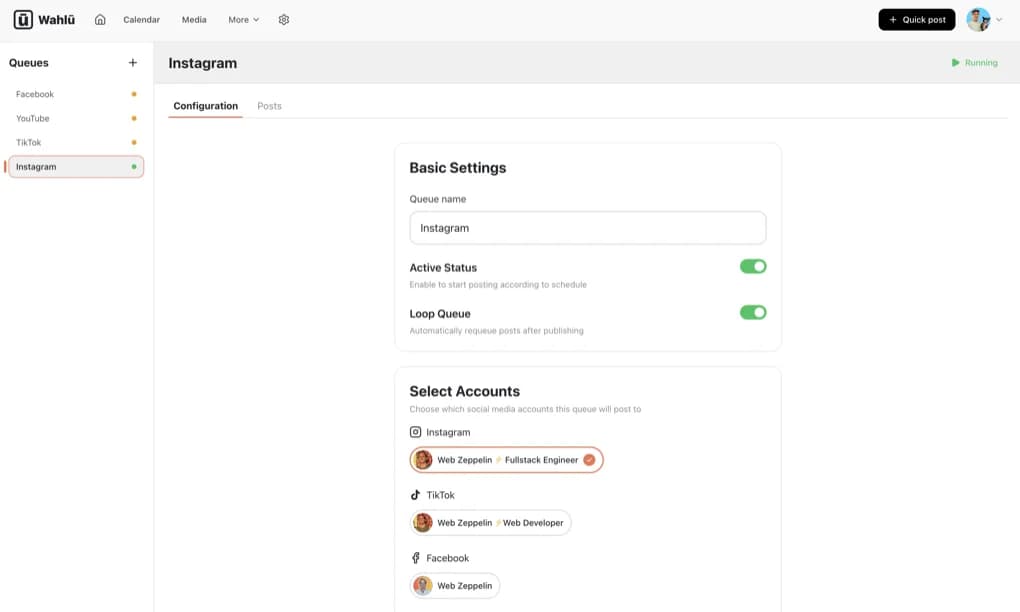
Read the caption as if it were already public. Check the offer, names, links, image crop and account. If you want to make general edits to an existing draft, use the Wahlu app: the current MCP connector is not a general-purpose draft editor.
Preflight checks a draft without publishing it. It is useful for finding media or account requirements before scheduling, but it is not a promise that a provider will accept a later publication. An account can disconnect or a provider can reject content after an earlier check passed.
For TikTok, privacy choices must come from the selected account's current options. The connector can retrieve those options and update the draft's TikTok privacy setting. Do not tell an agent to guess a value or reuse one from a different account. The discovery and preflight reference explains the exact sequence and permissions.
Separate review from permission to publish
The Schedule API distinguishes pending_review from approved. A pending-review schedule is held: it does not create a publishing execution. An approved schedule requires the appropriate publishing permission and may result in an external post at its scheduled time.
If you want to practise the complete preparation flow without publishing, use the held Schedule recipe. Do not assume that asking an agent to “plan a post” always means “keep it held”; state the boundary explicitly and inspect what it created.
When you do want to publish, confirm the exact draft, account, date, time and time zone. For example:
Schedule the draft we reviewed for 14 October at 9 am Australia/Sydney. Confirm the account and local time before taking the publishing action. Do not schedule any other drafts.
That is an example instruction, not a date you should copy blindly. Choose your own future time and check it in the browser calendar.
Check the result, not just the chat reply
Keep the returned schedule ID. After the scheduled time, ask the agent to look up that exact schedule and its publishing receipt. A receipt reports the per-platform outcome; a friendly “done” in the conversation is not a substitute for that evidence.
If a request times out, first look up the existing schedule. Creating another one immediately can make it harder to tell whether you have queued the same post twice. The API's idempotency rules help integrations handle retries; developers should follow the Schedule reference.
You can revoke the hosted connection from Wahlu agent connections. Disconnecting that grant removes the agent's access; it does not disconnect your social accounts from Wahlu.
Once one draft has gone through this process, expand the workflow a little at a time. For recurring evergreen posts, manage queues in the Wahlu app. Queue management is not part of the current MCP connector.