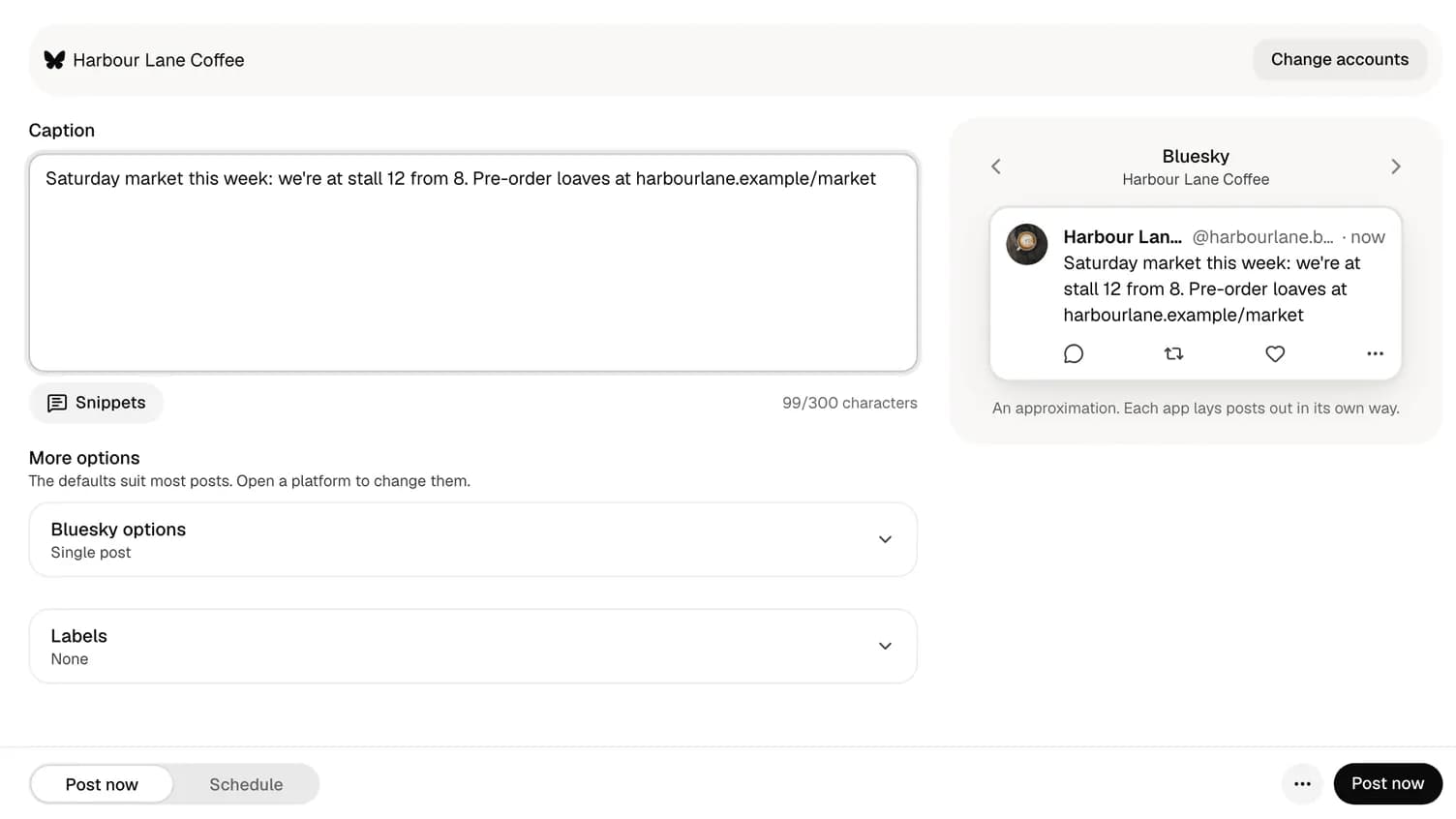
Product guide
How to schedule X posts with your AI agent (Claude, ChatGPT, Codex)
Connect once, let the agent draft inside X's 280 characters, and keep the final yes for yourself.

Founder and CEO, Wahlu
· 4 min read
Updated
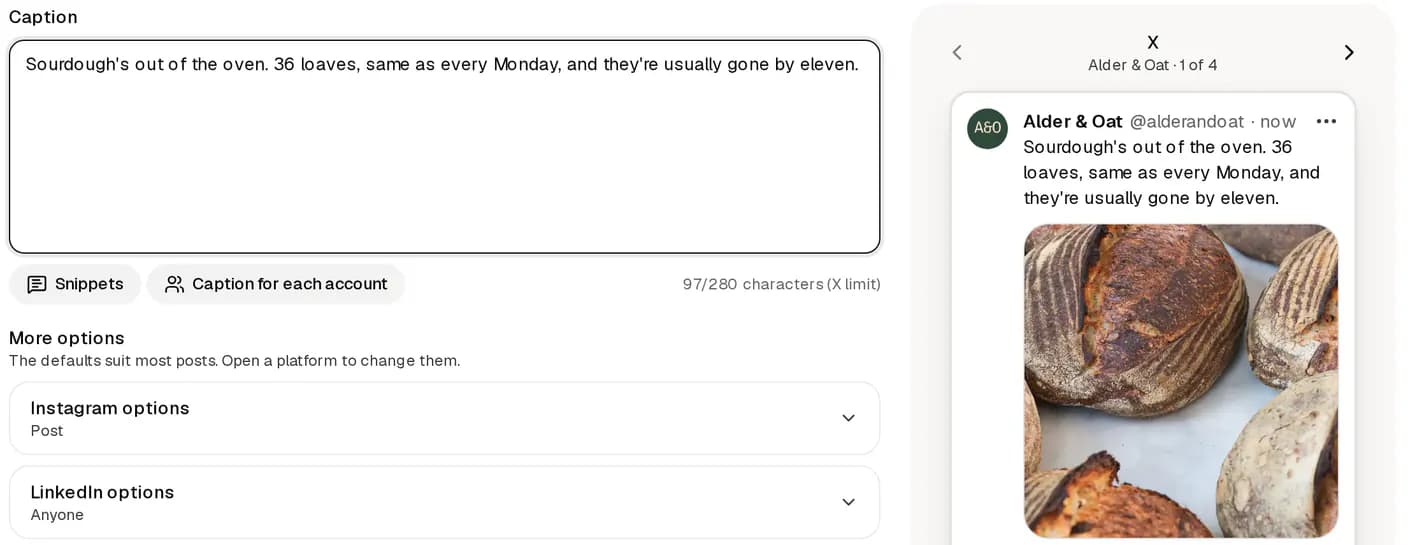
You can now ask your AI agent to write an X post and put it in your calendar. Wahlu added X this week, and the same connection your agent uses for Instagram or LinkedIn works for X too.
This guide shows the setup, a few prompts that work, and the limits worth knowing before you start. It takes about ten minutes.
What you need
- A Wahlu account with an X account connected to a brand. In Wahlu, open Accounts and click + Connect next to X. The Post to X help article has the full steps.
- An agent that can use a remote MCP server: Claude, ChatGPT or Codex all can.
Agent access is included in every Wahlu plan, including Free.
Connect your agent
Wahlu's hosted MCP server lives at one address:
https://mcp.wahlu.com/mcp
You sign in with your Wahlu account in the browser. There is no API key to paste into a chat.
Claude (claude.ai or Claude Desktop). Add Wahlu as a custom connector in Claude's settings, using the address above. The Claude setup page has the steps.
ChatGPT. Do this on chatgpt.com, not the desktop app. Open Settings → Security and login, turn on Developer mode, then add Wahlu as a connector with the same address. Whether developer mode is available depends on your ChatGPT plan and workspace. See the ChatGPT setup page.
Codex. Run these two commands:
codex mcp add wahlu --url https://mcp.wahlu.com/mcp
codex mcp login wahlu
Claude Code is one command:
claude mcp add --transport http wahlu https://mcp.wahlu.com/mcp
When you sign in, choose the workspace, brands and permissions the agent gets. Start narrow: one brand is plenty for a first try.
Ask for a post, held for review
A good first prompt:
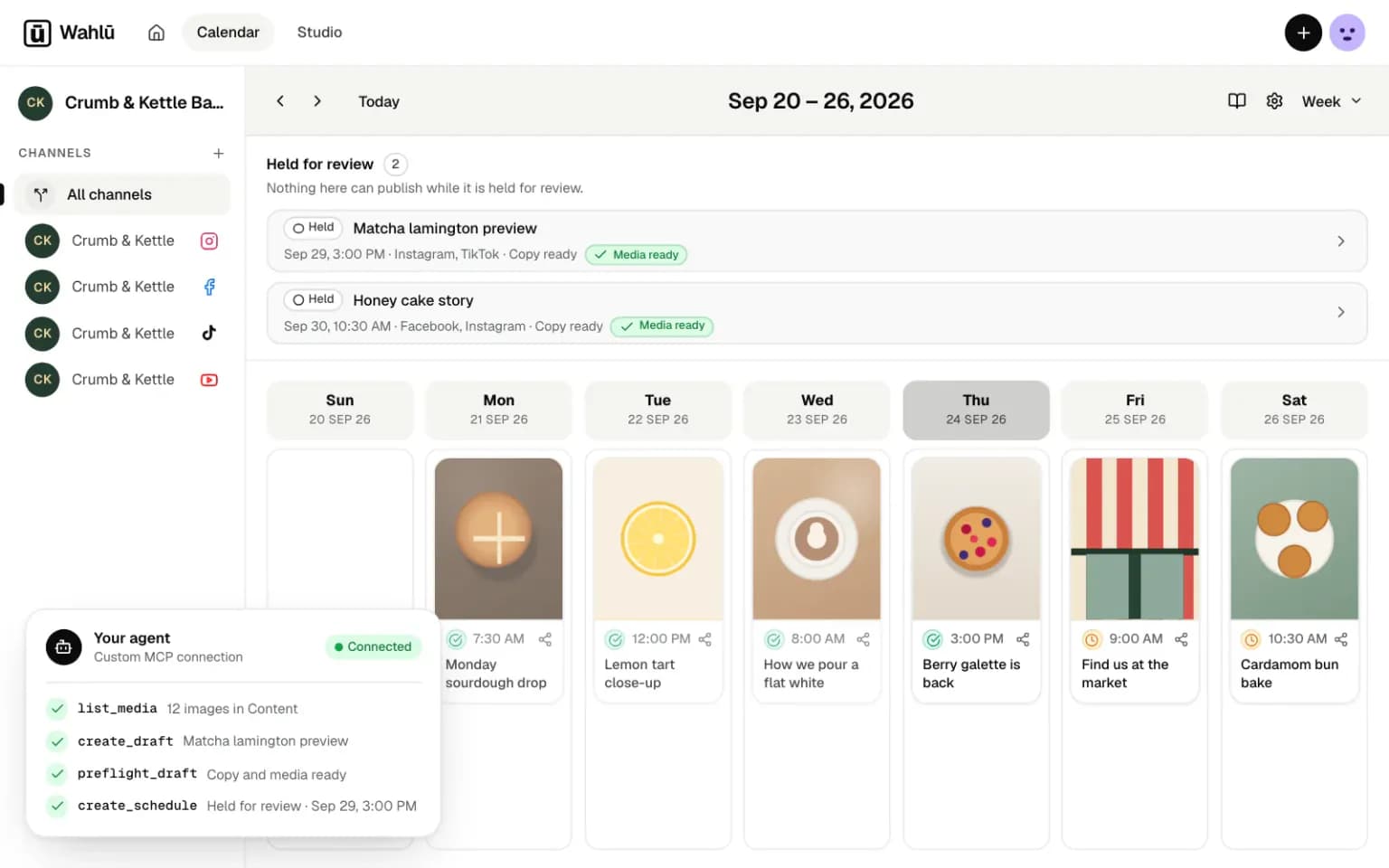
List the accounts connected to my brand. Then write an X post about Saturday's market in under 280 characters, with no link, and hold it for my review on Friday at 8am.
Behind that one sentence the agent makes a few calls, and it helps to know their names when you read its work:
list_targetsfinds your connected X account and checks it's ready to post.create_draftsaves the post as a draft. For X it setsx_settingswith a post type: text, image or video.preflight_draftchecks the draft against X's rules without posting anything.create_scheduleputs it in the calendar. Asked to hold it, the agent schedules it aspending_review, which never publishes on its own.
You then open the Wahlu calendar, read the post and approve it. If you'd rather the agent schedules posts that go out without a second look, give it the Publishing permission when you connect, and say so in the prompt.
For more prompts, see Post to X from Claude, from ChatGPT or from Codex.
How X counts to 280
X doesn't count characters one by one, and agents often get this wrong on their own:
- Every link counts as 23, however long it is.
- Each emoji counts as 2.
- Chinese, Japanese and Korean characters count as 2 each.
Wahlu counts the same way X does and flags a draft that's too long, so the agent finds out before you do. You can check a post yourself with the free X character counter.
The limits to know
- One post, one X account. X doesn't allow the same post on more than one account, or the same post twice within seven days. Write different words for each.
- 300 posts a month. Paid plans and the $1 trial include up to 300 posts to X a month for the workspace. On Free, X posts are part of your 3 posts a month.
- Links cost more. X charges apps much more for a post with a link. Paid plans include 15 of them a month; each extra one uses 85 credits.
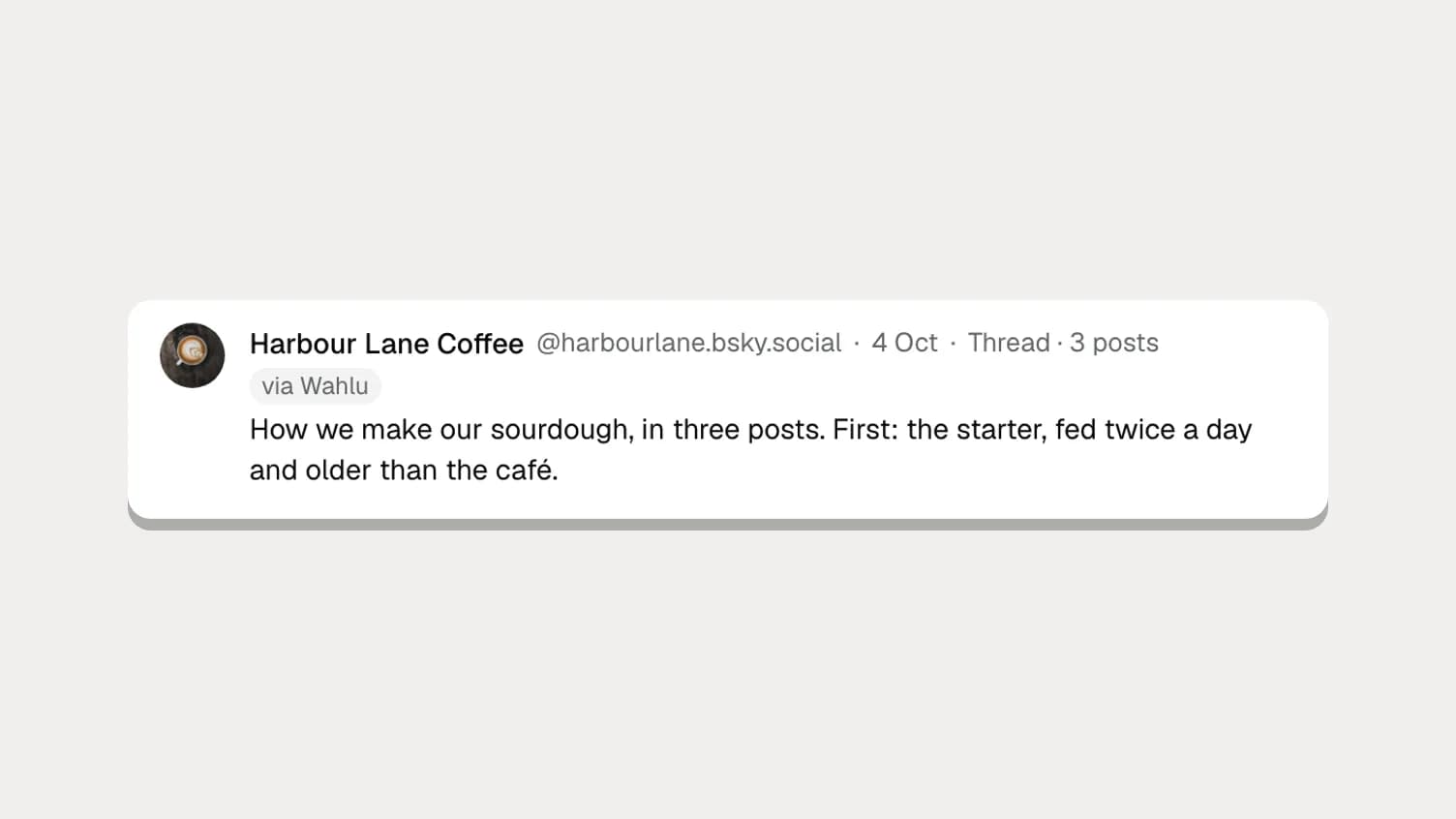
- What you can post. Text, up to four images, one GIF or one video. Agents can't post X threads yet; you can write X/Bluesky threads in the app. Polls, quote posts and long posts for X Premium aren't available.
Prefer the terminal?
The Wahlu CLI does the same job with an API key. Use version 0.7.0 or later; older versions can't read answers that mention X.
npm install --global @wahlu/cli@latest
export WAHLU_API_KEY=your-key
wahlu auth status
wahlu targets list --brand BRAND_ID
wahlu auth status shows the brands your key can reach, and targets list shows the ID of your X account. Then save a draft, check it and hold it for review:
wahlu drafts create --brand BRAND_ID --idempotency-key market-x-1 \
  --input-json '{"name":"Saturday market","single_copy":{"caption":"We are at the market this Saturday from 8. Come early for the sourdough."},"x_settings":{"post_type":"X_TEXT"}}'

wahlu drafts preflight --brand BRAND_ID --content-item CONTENT_ITEM_ID \
  --integration X_INTEGRATION_ID --scheduled-at 2026-10-16T08:00:00+01:00

wahlu schedules create --brand BRAND_ID --content-item CONTENT_ITEM_ID \
  --integration X_INTEGRATION_ID --scheduled-at 2026-10-16T08:00:00+01:00 \
  --approval-status pending_review --idempotency-key market-x-schedule-1
Replace the IDs with the ones the earlier commands print. Run wahlu drafts --help or wahlu schedules --help to see every option. The CLI help article covers setting up the key.
A sensible way to start
Ask for one post, held for review. Read it in the calendar, approve it and watch it go out. Once you trust the result, ask for a week at a time: "Draft five X posts for next week from these notes, one a day at 9am, all held for review."
The agent does the typing. You keep the yes.
New to Wahlu? See the plans, or read how posting to X works.