Product guide
How to post threads on X and Bluesky from one place
Write an X/Bluesky thread once, check every post against each network's limit, schedule it, and let it go out as a proper chain of replies.

Founder and CEO, Wahlu
· 3 min read
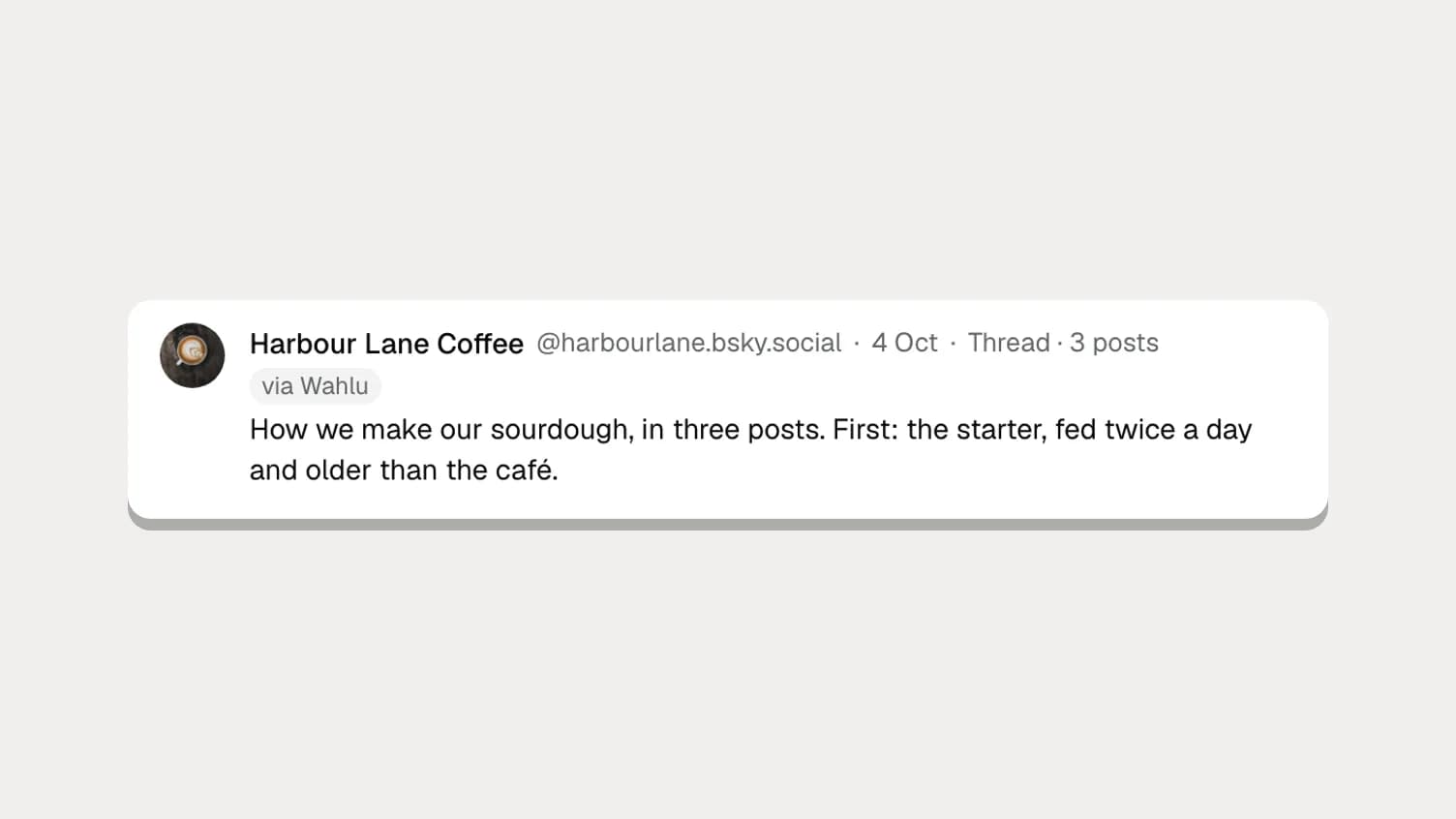
A thread on X or Bluesky is a run of posts, each one replying to the last. It's how people tell a longer story without a link: a launch, a recipe, a behind-the-scenes week. Neither app lets you schedule one, and writing the same chain twice for two networks is tedious.
Wahlu now posts threads on X and Bluesky. Write the chain once, check each post against each network's limit, and schedule it. At the time you pick, the first post goes out and each one after it follows as a reply to the one before.
(This is about threads on X and Bluesky. Meta's Threads app is a separate network, and it's coming soon to Wahlu.)
Write an X/Bluesky thread
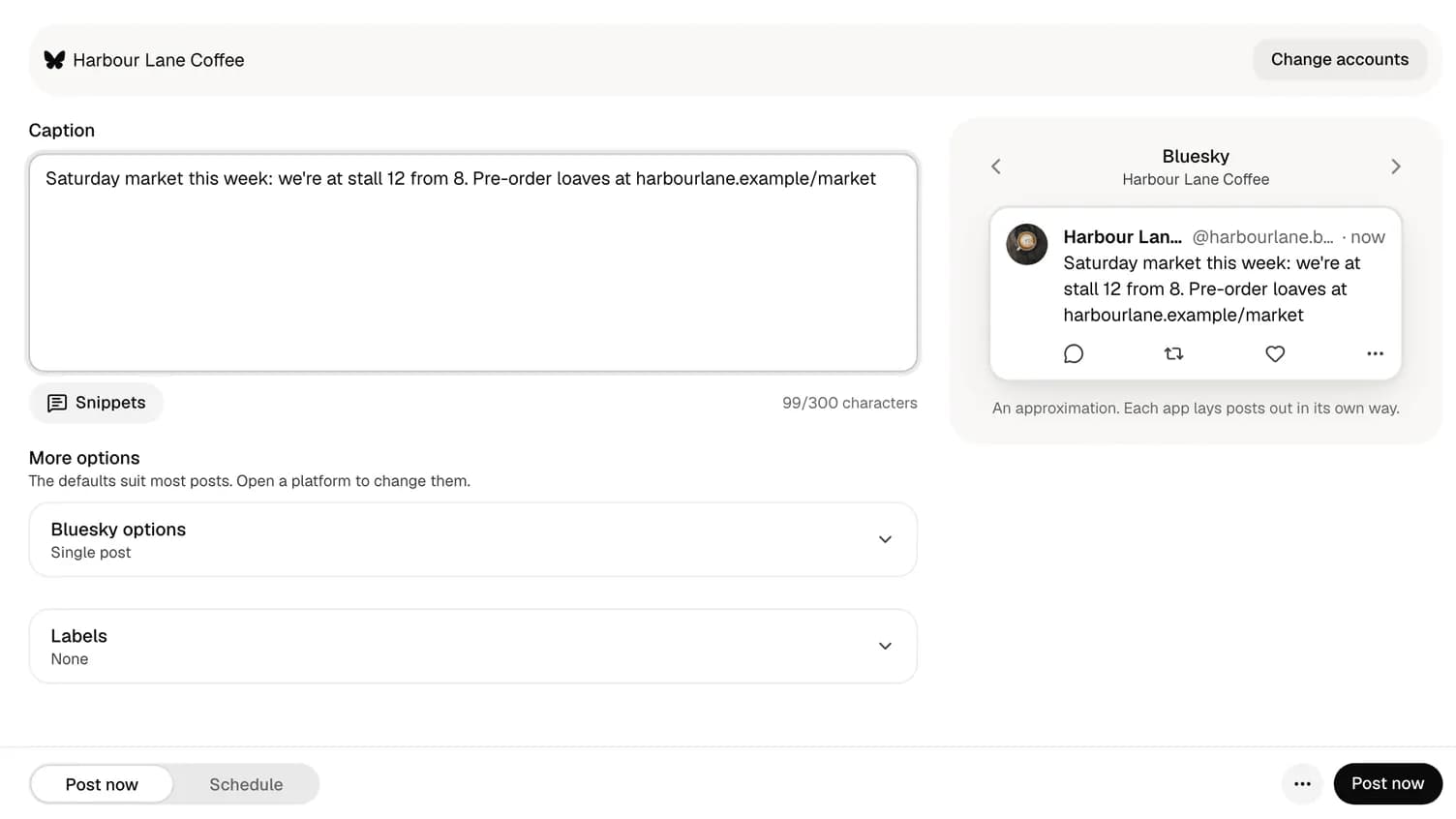
- Click New post, add any photos, and pick your X and Bluesky accounts under Where should it go?
- Write the first post in the caption box as usual.
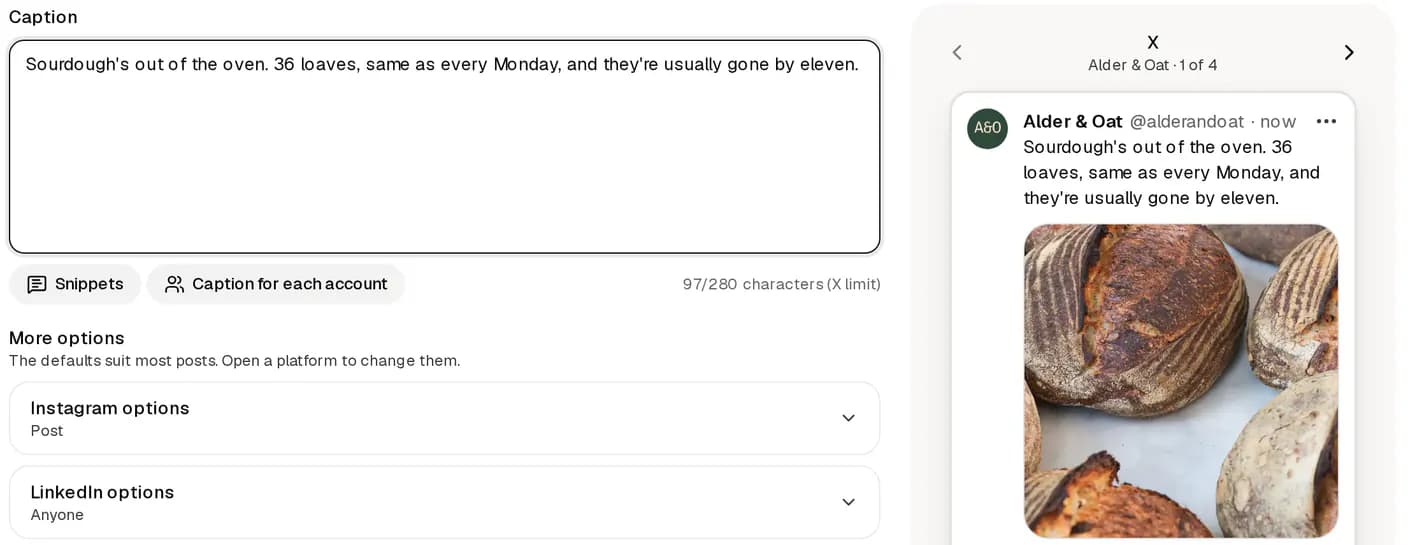
- Open X options or Bluesky options and click Add to thread. A new post appears under the first one.
- Write the next post. Add photos to it if you like. Click Add to thread again for each post after that.
- Drag a post by its handle to move it, or remove one you don't need.
- Choose Schedule, pick a time, and confirm.
An X/Bluesky thread can have the main post plus up to 24 more: 25 posts in all, the same as the X app's composer.
Every post is counted on its own
Each post in the chain has its own counter, and each network counts its own way:
- X: 280 characters per post, where a link counts as 23 and an emoji as 2.
- Bluesky: 300 characters per post, counted as people see them, so an emoji counts as 1 and a long link counts as its short form.
Each post can have up to four photos or one video (or one GIF on X), with alt text on Bluesky. A post needs words or media. Two identical posts in one chain aren't allowed, because X refuses duplicates.
The preview shows the chain the way it will look, so you can read it top to bottom before it goes out.
What happens when it posts
The main post goes out first and appears in History straight away. Then each post follows as a reply to the one before it. On Bluesky, every reply also points back to the first post, so the whole chain stays together in the app.
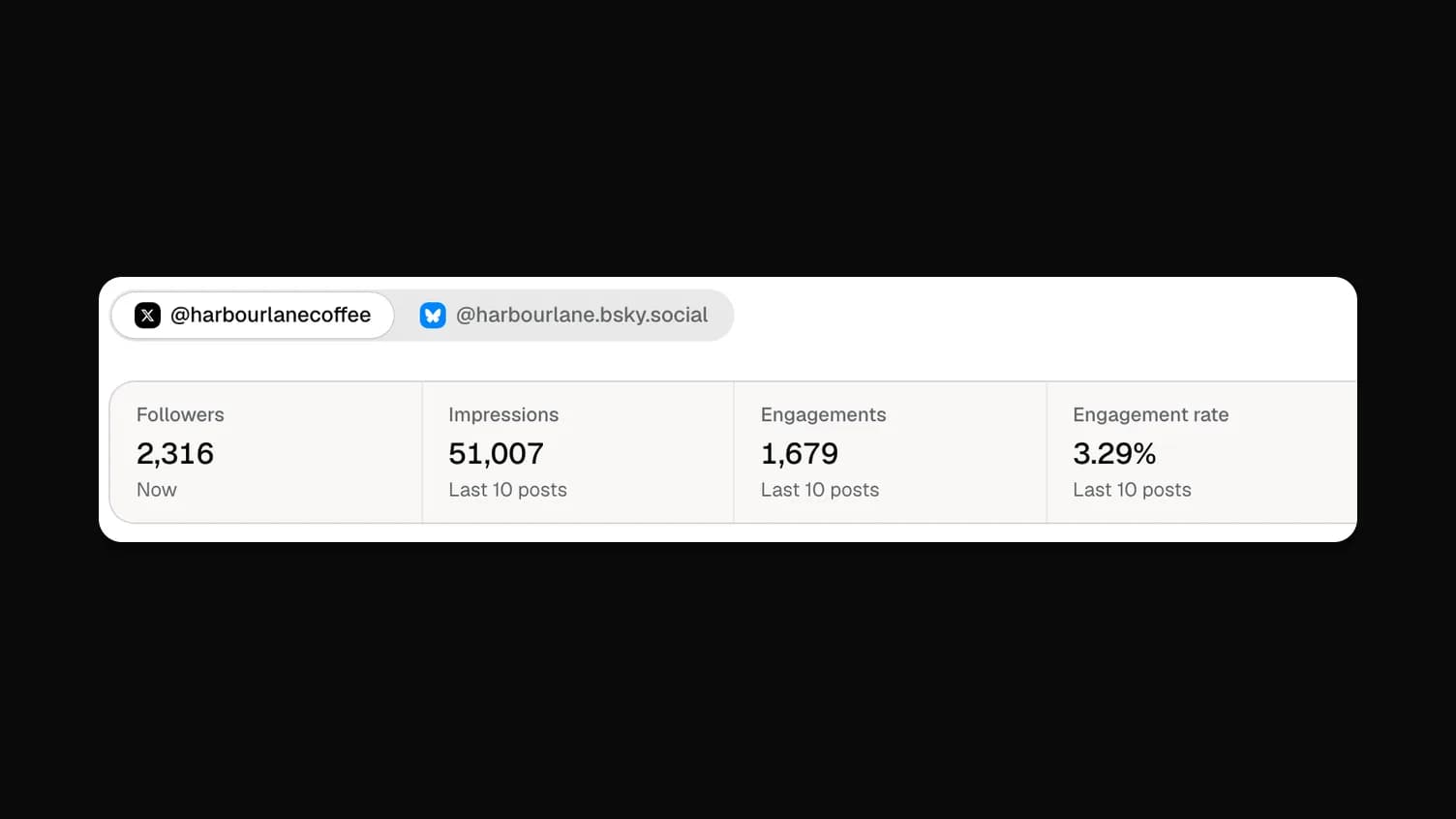
History and Insights label it Thread · 3 posts (or however many there are), so you can tell a chain from a single post.
If one post fails, say a photo is refused, the posts after it are held back rather than sent out of order. History shows the chain as Partly published, with the posts that went out. Fix the problem and click Post the remaining in History. Wahlu carries on from the last post that went out and never sends an earlier one twice.
Limits worth knowing on X
On X, every post in the chain counts as one post:
- A six-post thread uses 6 of the 300 X posts a month included on paid plans and the trial.
- Each post with a link counts as a link post. Paid plans include 15 a month; each extra one uses 85 credits.
So put the link in one post, usually the last, rather than in every post. On Bluesky, each brand can send up to 100 posts a day, and every post in a chain counts towards that.
Writing threads people read
These are habits, not rules:
- Make the first post stand alone. Most people only see the first one. Say what the thread is about and why it's worth reading.
- One idea per post. If a post needs two sentences of set-up, it's probably two posts.
- Number them only if order matters. "1/6" helps a how-to; it can feel heavy for a story.
- Use a photo where it does work. A step in a recipe, a before and after, a chart.
- End with the action. The last post is where the link, the booking page or the question goes.
From your AI agent: coming later
Today you write X/Bluesky threads in the Wahlu app. Your AI agent, the API and the CLI can schedule single posts to X and Bluesky now; posting threads on X and Bluesky from an agent comes later, once the updated CLI and MCP server are out. Until then, How to schedule Bluesky posts with your AI agent and How to schedule X posts with your AI agent cover the setup for single posts.
The help centre has the details for X and Bluesky. Check one post's length with the free X character counter or Bluesky character counter.