Product guide
How to schedule Bluesky posts (and let your AI agent do it)
Bluesky has no built-in scheduler. Here's how to plan posts in a calendar, stay inside 300 characters and hand the typing to Claude, ChatGPT or Codex.

Founder and CEO, Wahlu
· 4 min read
Bluesky's own app posts when you press the button. There's no "send later", so if you want a post to go out at 8am on Saturday, you either set an alarm or use a scheduler.
Wahlu added Bluesky this week. You can now schedule Bluesky posts from the same calendar as your Instagram, Facebook, TikTok, YouTube, LinkedIn and X posts, put them in a queue, or ask your AI agent to write them and hold them for your review. This guide covers all three, plus the limits worth knowing first.
Connect your Bluesky account
You sign in on Bluesky itself, so Wahlu never sees your password and you don't need an app password.
- In Wahlu, open your brand and click Accounts in the brand menu.
- Click Connect next to Bluesky.
- Type your handle, like
yourname.bsky.social, and click Continue to Bluesky. - Sign in to Bluesky if it asks, approve Wahlu, then click Done.
Your account doesn't have to live on bsky.social. Type your full handle and Wahlu finds the server your account is on. The Post to Bluesky help article has the same steps and the answers to common questions.
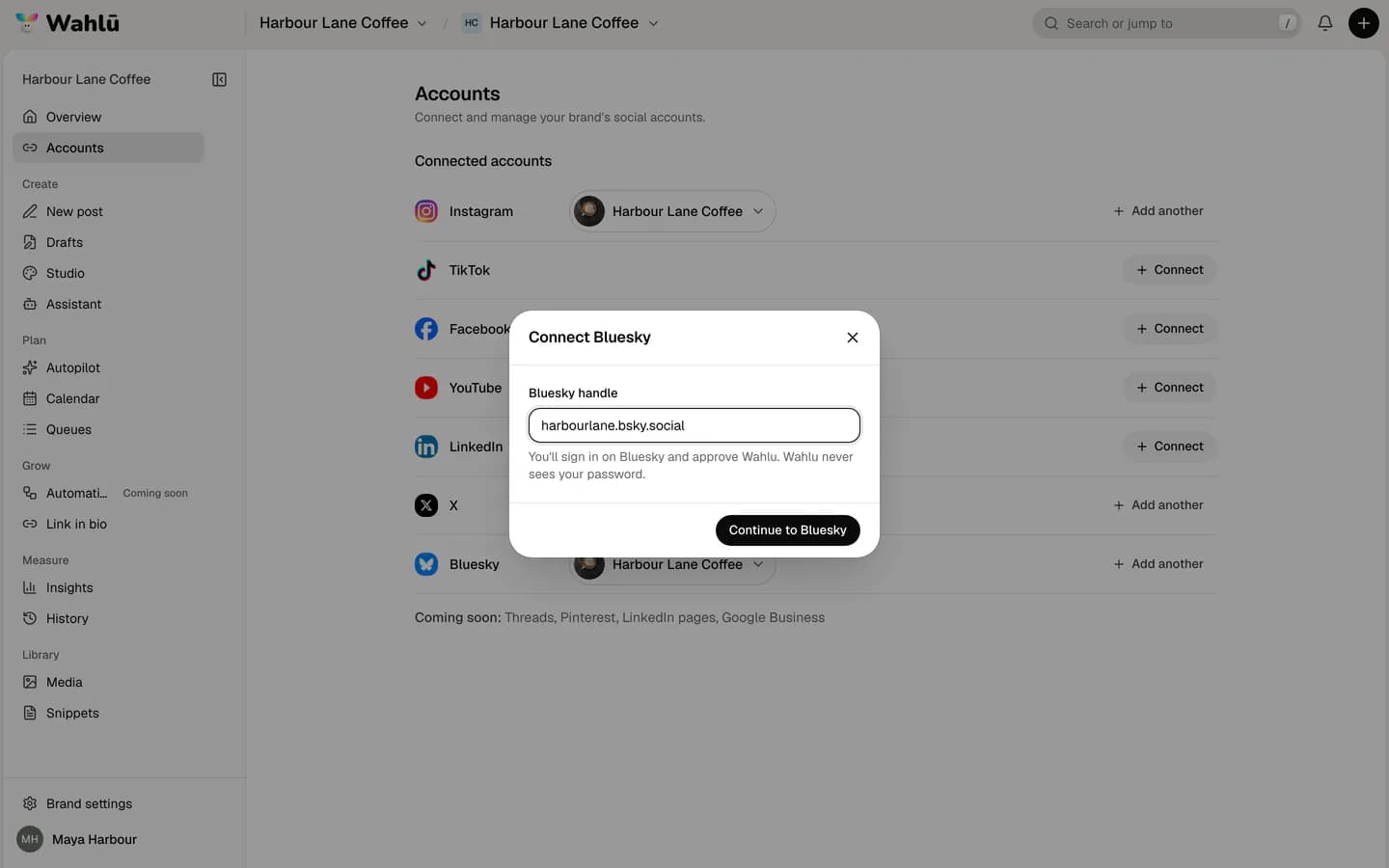
Schedule a Bluesky post
- Click New post.
- Add photos or a video, or click Write a text post instead.
- Under Where should it go?, pick your Bluesky account. Pick your other accounts too if the post suits them.
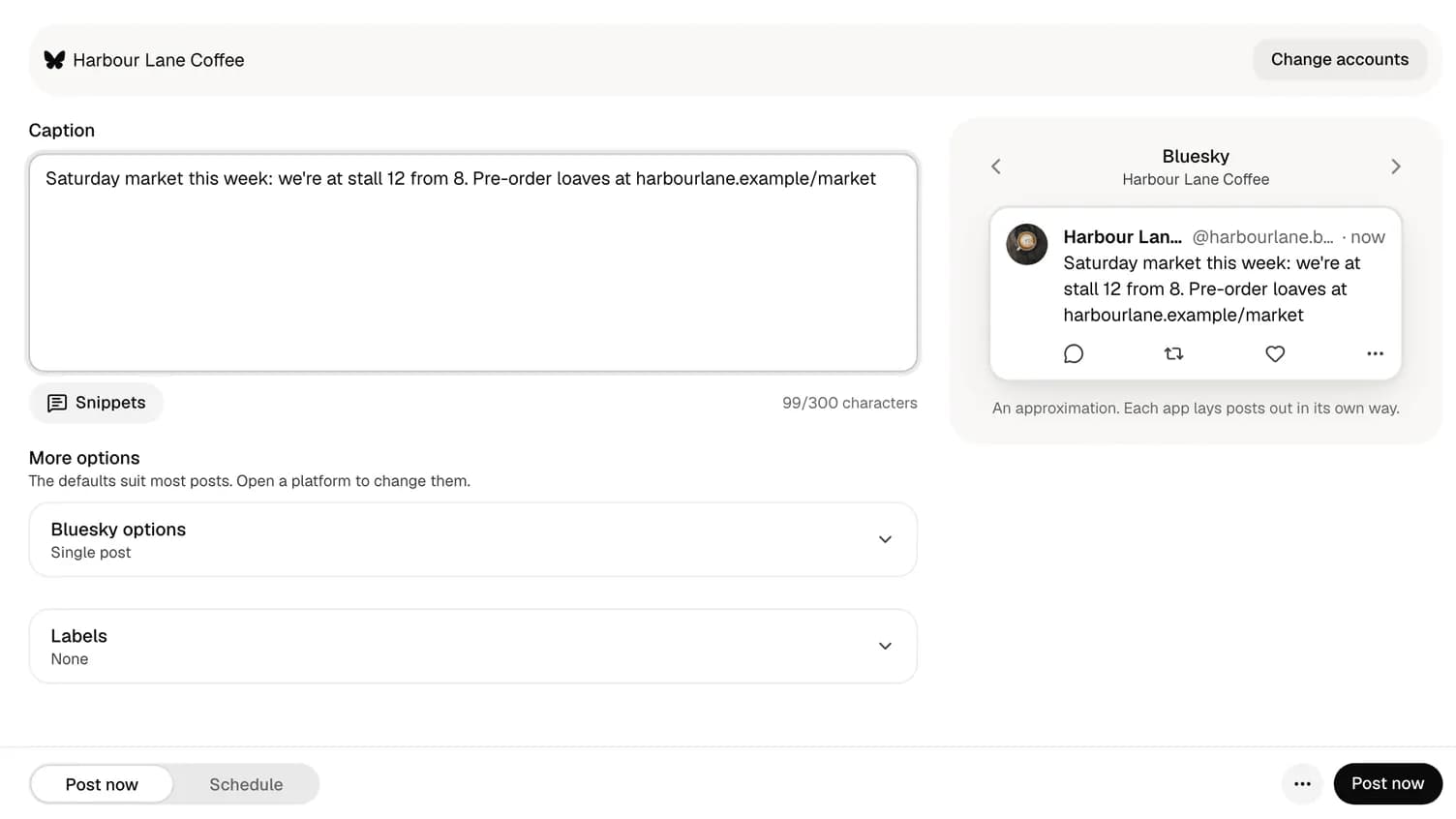
- Write the post. The counter under the box tells you if it's too long for Bluesky.
- Open Bluesky options to add alt text to each photo.
- Choose Schedule, pick the day and time, and confirm.
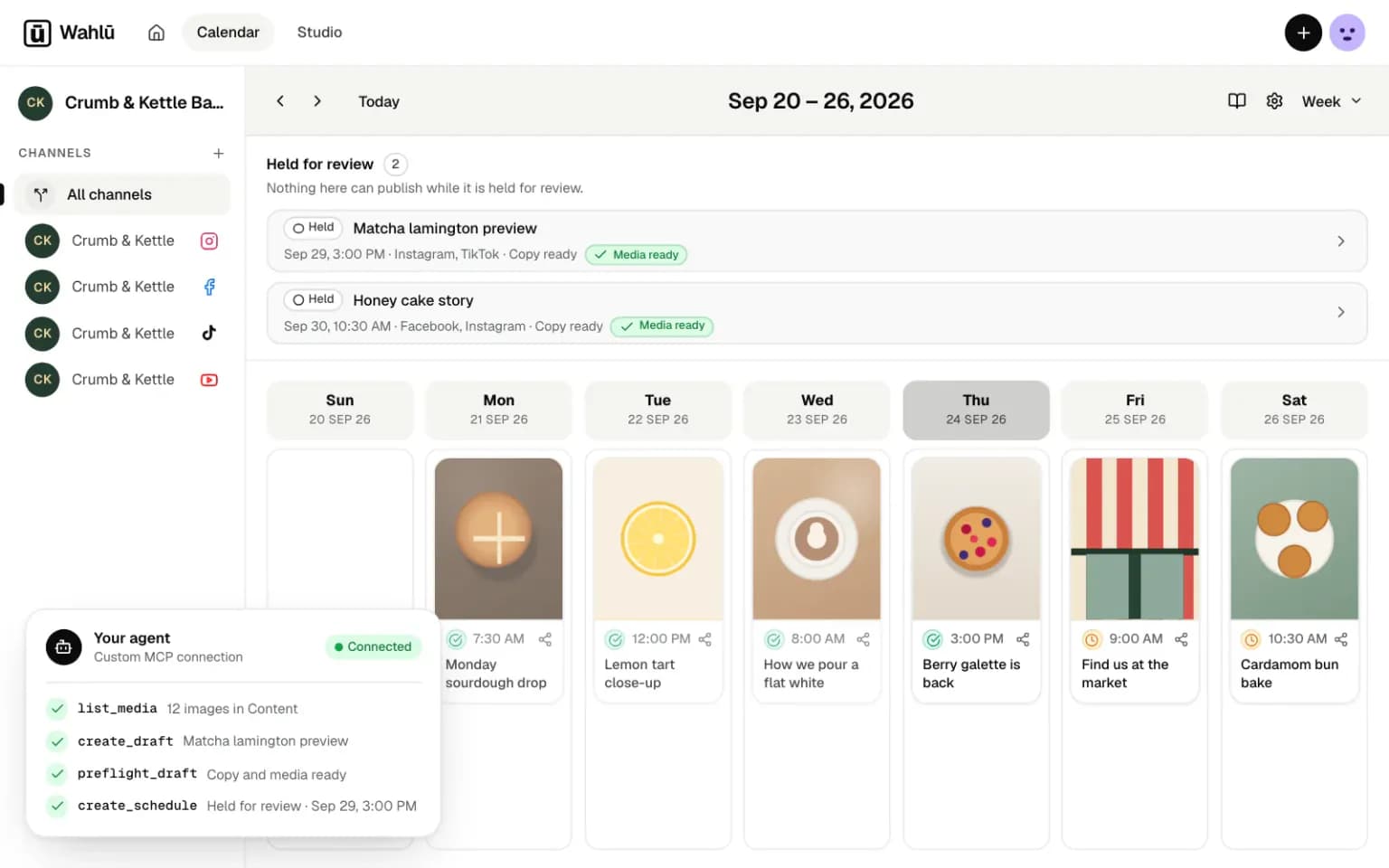
The post now sits in your calendar. You can drag it to another day, edit it, or open it to check the preview before it goes out.
If you post the same kind of thing every week, such as a Monday bake list or a Friday round-up, put it in a queue instead. A queue fills set time slots in order, and it can loop, so evergreen posts go out again without you rescheduling them.
How Bluesky counts to 300
Bluesky allows 300 characters per post, but it counts the way people see text, not the way a computer stores it. Bluesky's documentation calls these graphemes. In practice:
- An emoji counts as 1, even the ones made of several pieces, like a family or a flag.
- Accented letters count as 1.
- A long link counts as its short form. Wahlu shows a link the way the Bluesky app does, as the website and the start of the path, and counts that.
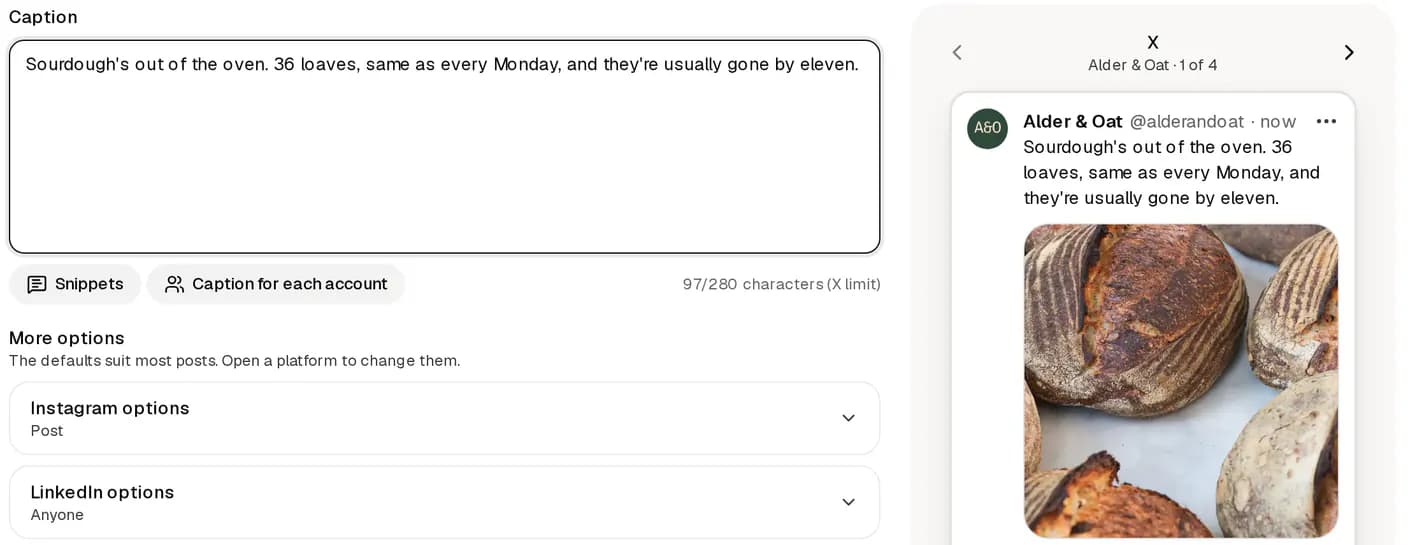
That's different from X, where every link counts as 23 and an emoji counts as 2. If you write one post for both, write to the tighter limit for each network, or use Caption for each account to give each one its own words. Wahlu counts each network its own way and flags a post that's too long for any of them before it goes out.
What you can attach
| Post | What Bluesky allows through Wahlu |
|---|---|
| Text | Up to 300 characters. In a text post, the first link gets a preview card. |
| Photos | Up to 4. JPEG, PNG or WebP, up to 20 MB each. Wahlu makes big photos smaller to fit Bluesky. |
| Video | One video. MP4 or MOV, up to 100 MB and 3 minutes. |
Two things catch people out:
- Video needs a verified email on Bluesky. Bluesky only lets accounts with a verified email post video, and it limits how many videos an account can post each day. Verify your email in the Bluesky app under Settings, then Account. See Bluesky's video guide.
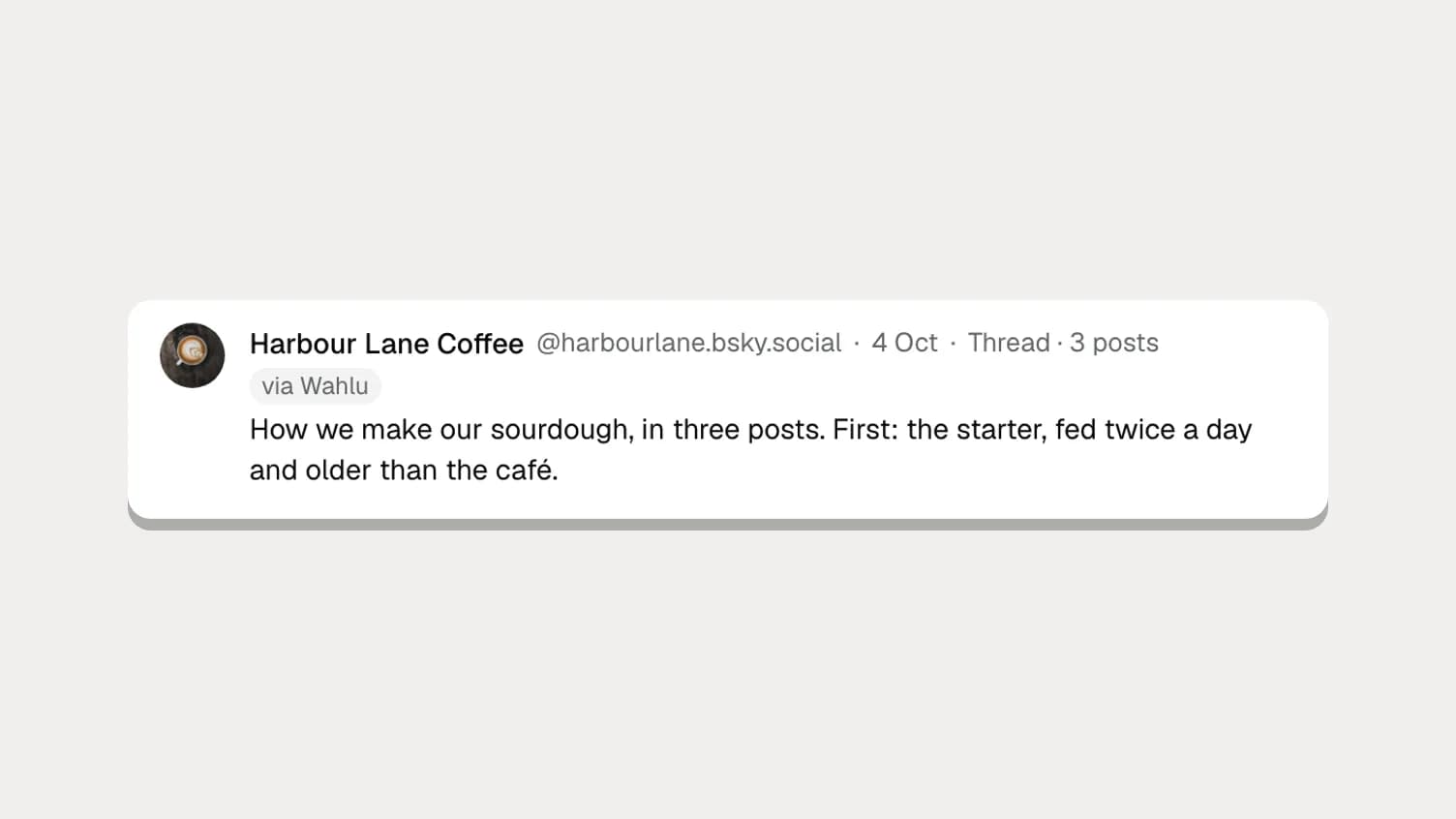
- Quote posts aren't available yet. You can post threads on X and Bluesky from the app, though: see how to post X/Bluesky threads.
Links, @mentions and #hashtags become clickable on Bluesky, just as if you'd posted from the app.
Let your AI agent schedule Bluesky posts
If you already use Claude, ChatGPT or Codex, you can hand them the writing. Wahlu runs a hosted MCP server, and the same connection your agent uses for other networks covers Bluesky.
https://mcp.wahlu.com/mcp
Add that address as a custom connector in Claude or in ChatGPT's developer mode, or run one command in your terminal:
claude mcp add --transport http wahlu https://mcp.wahlu.com/mcp
codex mcp add wahlu --url https://mcp.wahlu.com/mcp
codex mcp login wahlu
You sign in with Wahlu in your browser and choose the brands and permissions the agent gets. Then ask for something specific:
Write a Bluesky post about Saturday's market in under 300 characters, with the pre-order link, and hold it for my review on Friday at 8am.
Behind that sentence the agent calls list_targets to find your Bluesky account, create_draft with bluesky_settings, preflight_draft to check it against Bluesky's rules, and create_schedule. Asked to hold it, it schedules the post as pending_review, which never publishes until you approve it in Wahlu.
Agents can add alt text too. Ask for "alt text for each photo" and it goes into the post's Bluesky settings, keyed to each image.
Each agent has its own setup page with more prompts: Claude, ChatGPT, Codex, Claude Code, Cursor and Gemini CLI.
From the command line
The Wahlu CLI does the same with an API key. Bluesky needs version 0.8.0 or later.
npm install --global @wahlu/cli@latest
export WAHLU_API_KEY=your-key
wahlu targets list --brand BRAND_ID

wahlu drafts create --brand BRAND_ID --idempotency-key market-bsky-1 \
  --input-json '{"name":"Saturday market","single_copy":{"caption":"We are at the market this Saturday from 8. Come early for the sourdough."},"bluesky_settings":{"post_type":"BSKY_TEXT"}}'

wahlu drafts preflight --brand BRAND_ID --content-item CONTENT_ITEM_ID \
  --integration BLUESKY_INTEGRATION_ID --scheduled-at 2026-10-17T08:00:00+01:00

wahlu schedules create --brand BRAND_ID --content-item CONTENT_ITEM_ID \
  --integration BLUESKY_INTEGRATION_ID --scheduled-at 2026-10-17T08:00:00+01:00 \
  --approval-status pending_review --idempotency-key market-bsky-schedule-1
Replace the IDs with the ones the earlier commands print. The CLI help article covers creating a key.
How many posts you can send
Bluesky posts count towards your plan like any other post, and each brand can send up to 100 posts to Bluesky in 24 hours. If you're on the Free plan, that's 3 posts a month across all your accounts; the plans list the rest.
Check how they did
On paid plans and the $1 trial, Insights shows your Bluesky followers and the likes, reposts, replies, quotes and bookmarks on your latest posts. Bluesky doesn't share views or impressions with apps, so no scheduler can show those. Bluesky analytics: what you can and can't measure goes into what the numbers mean.
New to Bluesky in Wahlu? Start with how posting to Bluesky works, or check a post's length first with the free Bluesky character counter.