Product guide
How to review an AI social media content plan before it goes live
Check the ideas first, then the words, images and publishing details.

Steve Richardson
Creator of Wahlu
· 4 min read
The most expensive mistake in a content plan is often approving the wrong idea, then spending time polishing the post it produces. A tidy caption cannot rescue a claim your business should not make or an offer you no longer sell.
Wahlu can use your website and brand details to suggest topics and generate content. The useful review point comes before generation as well as afterwards. First decide whether the plan makes sense. Then check the finished posts and their publishing details.
This workflow is for the Wahlu AI content-planning feature. Generation depends on your plan and available credits; agent access on its own is not the same as a Wahlu AI generation allowance. See the current plan details before starting a batch.
Check the information the plan starts from
During brand setup, Wahlu can read a website to help establish the brand's information. There is also a manual entry path if you do not have a website. Neither route removes the need to check the result.
A website may contain an old offer, a product that is no longer available or a broad description that leaves out your strongest selling point. If those details become the starting point, the suggested topics may repeat them. Correcting the brand information is more useful than fixing the same mistake in several generated captions.
Before planning, have a short reference ready: what you sell, who it is for, the locations you serve, the action a reader can take and any claims that need careful wording. Use facts you would be comfortable putting on your own website.
If you operate several brands, check which one you have open. Brand information, connected accounts and media should all belong to the same business. A perfectly written post is still wrong if it uses another client's offer or photograph.
Review the topics before generating the posts
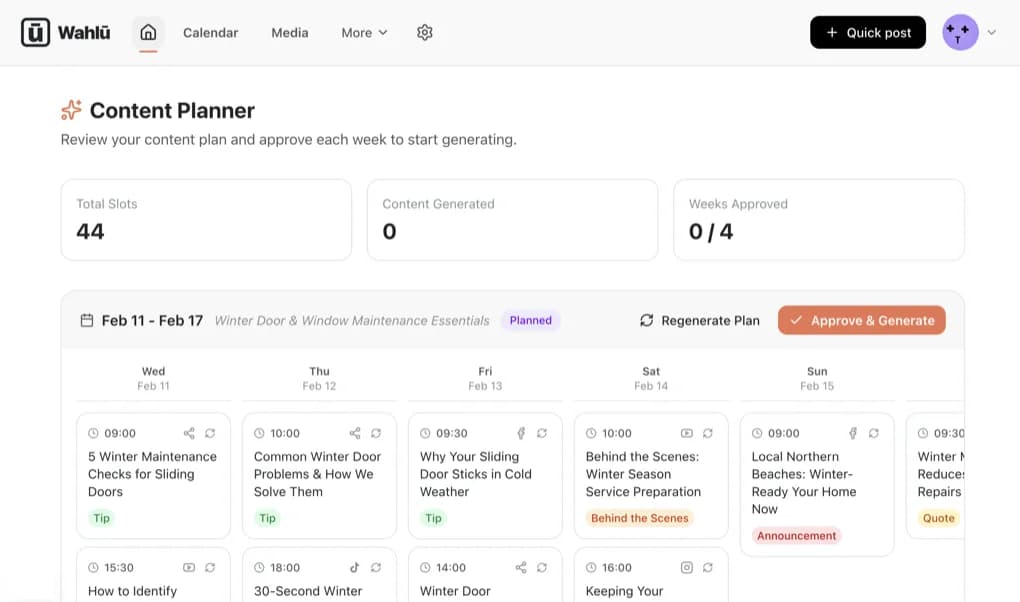
Open the content plan and read the proposed week as a set. Ask what a customer would learn from it. “We offer great service” does not tell someone much. An explanation of what is included in the first appointment is a more useful topic because it answers a real question.
For each idea, decide whether to keep it, change its direction or replace it. Look for repetition across the week, not just within a single post. Several differently worded ideas can still make the same point.
Wahlu's planner separates topic planning from generated content. Controls such as Approve & Generate move the plan into generation; later review controls concern the resulting posts. Read the current status and action label rather than treating every approval button as interchangeable.
Try a concrete brief instead of a vague instruction to “make it more engaging”. For a service business, that could be: explain what the customer needs to prepare before a visit, without promising a fixed result or quoting a price. The extra detail gives you something specific to judge in the finished post.
Check captions for facts before tone
When generation finishes, start with the information that could mislead someone. Check product names, prices, dates, locations, availability and links. If a claim needs evidence, find that evidence or remove the claim. A fluent sentence is not evidence.
Watch for invented quotations and customer stories. Use only testimonials you actually have permission to publish, and keep their meaning intact. The same applies to qualifications, awards and results: do not let a plausible detail become a public promise just because it sounds natural.
Then read the caption aloud. Does it sound like something your business would say? Replace a generic opening with the actual subject. If the post answers a question, answer it early instead of making readers work through a long introduction.
You do not need every caption to have the same shape. Some subjects need an explanation; others need two sentences and a useful image. Cut words that do not help the reader understand the point or take the intended action.
Inspect the image as a separate piece of content
Check the visual even when the caption is accurate. Look at any text in the image, the logo, colours, product details and crop. A small date or price on the artwork can contradict a corrected caption.
View it at roughly the size someone will see on a phone. Text that looks readable on a large editing canvas may be too small in a feed. If an important detail depends on a tiny line of text, simplify the layout or move that information into the caption.
Wahlu's Studio editor lets you work on the post's design. Use it to adjust the actual problem rather than regenerating repeatedly without a clear reason. Changing the layout, replacing an image or shortening a heading may be all that is needed.
Confirm what approval will do
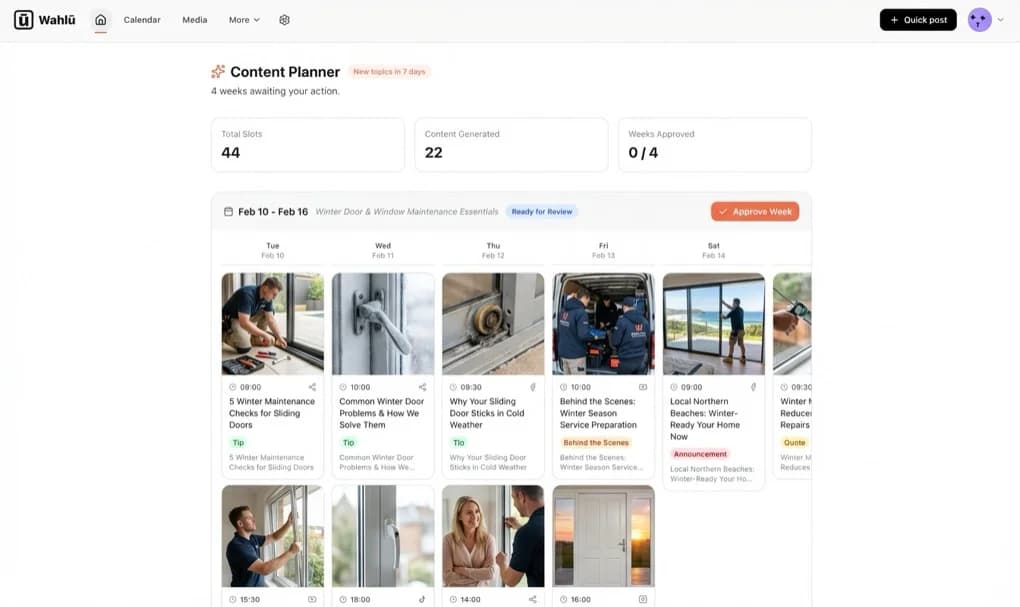
An idea approved for generation is not the same thing as a finished post approved for publishing. In the planner, Approve Week can make reviewed content eligible to publish on its schedule. Treat that as a consequential action, not an administrative tick-box.
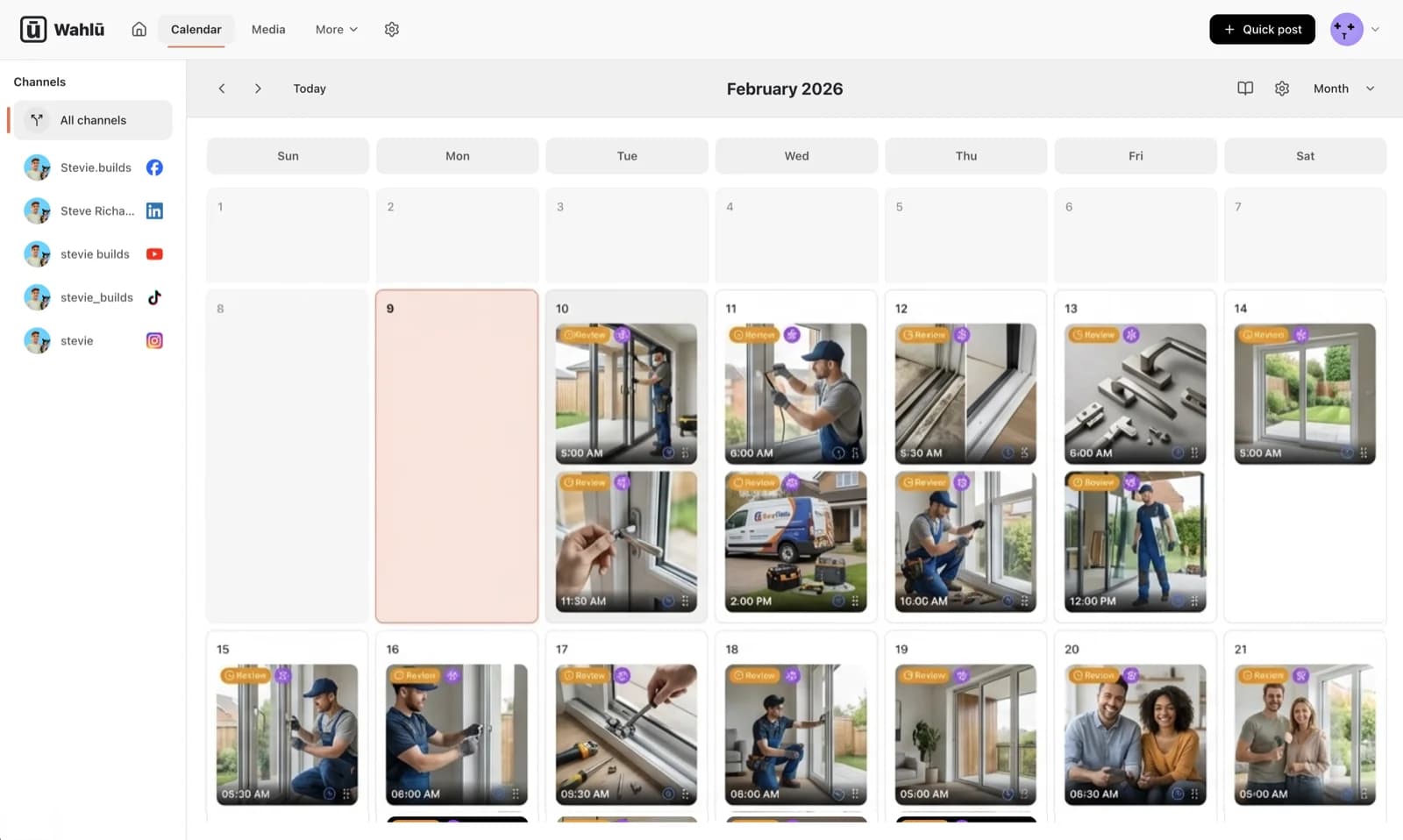
Before approving, check the selected accounts, dates, times and time zone. Consider whether another post is already scheduled nearby and whether a planned offer will still be valid when the post appears. Use the calendar to inspect the wider picture.
Do not approve a whole batch just because most of it looks good. Keep unfinished material in its review or draft state and deal with the exceptions. If you are uncertain about the current status, inspect the post and schedule rather than assuming that a preview means it cannot publish.
Keep a reusable review checklist
The same short checklist works for the next batch:
- Brand: correct business, audience and current offer.
- Idea: a useful subject, without unnecessary repetition.
- Caption: accurate facts, working links and natural wording.
- Visual: correct product, readable text and an appropriate crop.
- Publication: intended account, date, time zone and approval state.
If a recurring error appears, improve the underlying brand details or planning brief before generating more. Review should become more focused as those inputs improve; it should not disappear entirely.
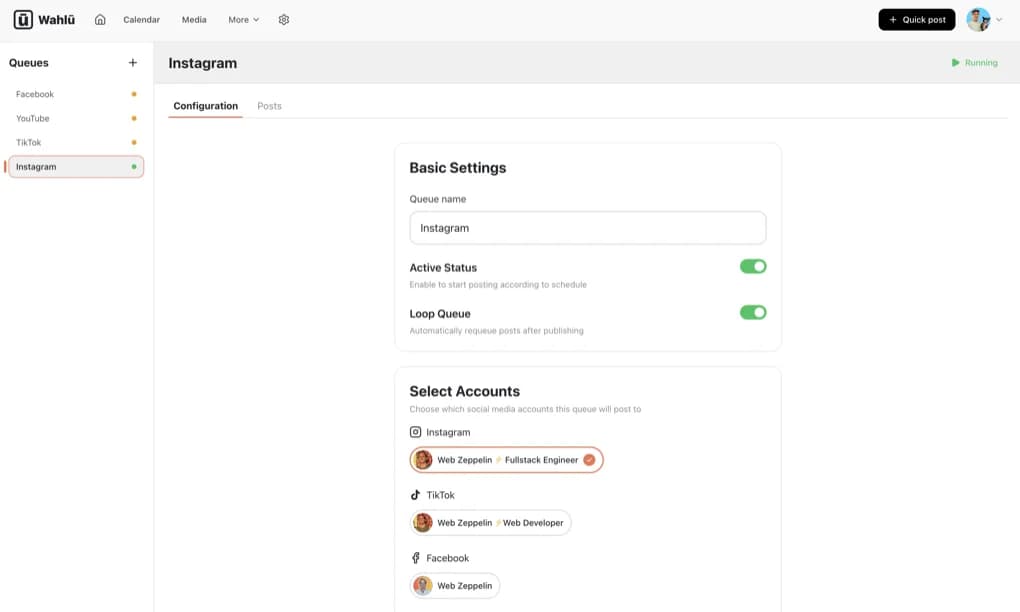
Once a post has proved useful and remains accurate beyond a particular date, you might add it to an evergreen queue. Keep launch announcements and temporary offers on a specific schedule. Reusing a good explanation is sensible; repeating an expired promise is not.
For an overview of the complete workflow, see Wahlu content planning and generation.