Product guide
X analytics for small businesses: impressions, link clicks and what to watch
What each X number means, which three are worth your attention, and a fifteen-minute monthly check you can actually keep up.

Founder and CEO, Wahlu
· 4 min read
X gives you more numbers than most small businesses need. Impressions, engagements, engagement rate, link clicks, profile clicks, bookmarks, quotes, video views. It's easy to look at all of them and act on none.
This guide explains what each one means, which few are worth watching if you run a café, a shop or a small studio, and how to check them in a few minutes a month.
The numbers, in plain English
| Number | What it counts |
|---|---|
| Impressions | How many times the post was shown on a screen. One person can see it more than once. |
| Likes, replies, reposts, quotes, bookmarks | What people did with the post. |
| Engagements | Those five added together. |
| Engagement rate | Engagements divided by impressions. |
| Link clicks | Clicks on a link in the post. |
| Profile clicks | Clicks through to your profile from the post. |
| Video views | Views of a video in the post. |
| Followers | People following the account right now. |
These are X's own numbers. Wahlu reads them from X and doesn't estimate any of them. Two details are worth knowing. Link clicks and profile clicks are only available for a post's first 30 days. And X doesn't share totals for a whole account, only for each post, so any "account total" a tool shows is your posts added up.
The three worth watching
If you only look at three numbers, make them these.
1. Link clicks. For most small businesses, X is a way to send people somewhere: a menu, a booking page, a new product. Link clicks are the closest X gets to "did this post do its job". Compare posts that had a link with each other, not with posts that didn't.
2. Engagement rate. Impressions alone mostly reflect how many followers you have and whether X decided to show the post around. Engagement rate tells you whether the people who saw it cared. A post with fewer impressions and a higher rate is often the better post to learn from.
3. Profile clicks. Someone who clicks through to your profile is checking who you are. A post with lots of profile clicks is doing the introducing for you, which matters most when you're new to X or posting to people who don't know you yet.
Everything else is useful context. Bookmarks show quiet interest (people save useful things), replies show conversation, and reposts show reach beyond your followers.
Where to see them
X has its own analytics for each post. If you post from Wahlu, the same numbers sit next to your calendar in Insights, on paid plans and the $1 trial.
- Open your brand and click Insights in the brand menu.
- Pick your X account in the row at the top.
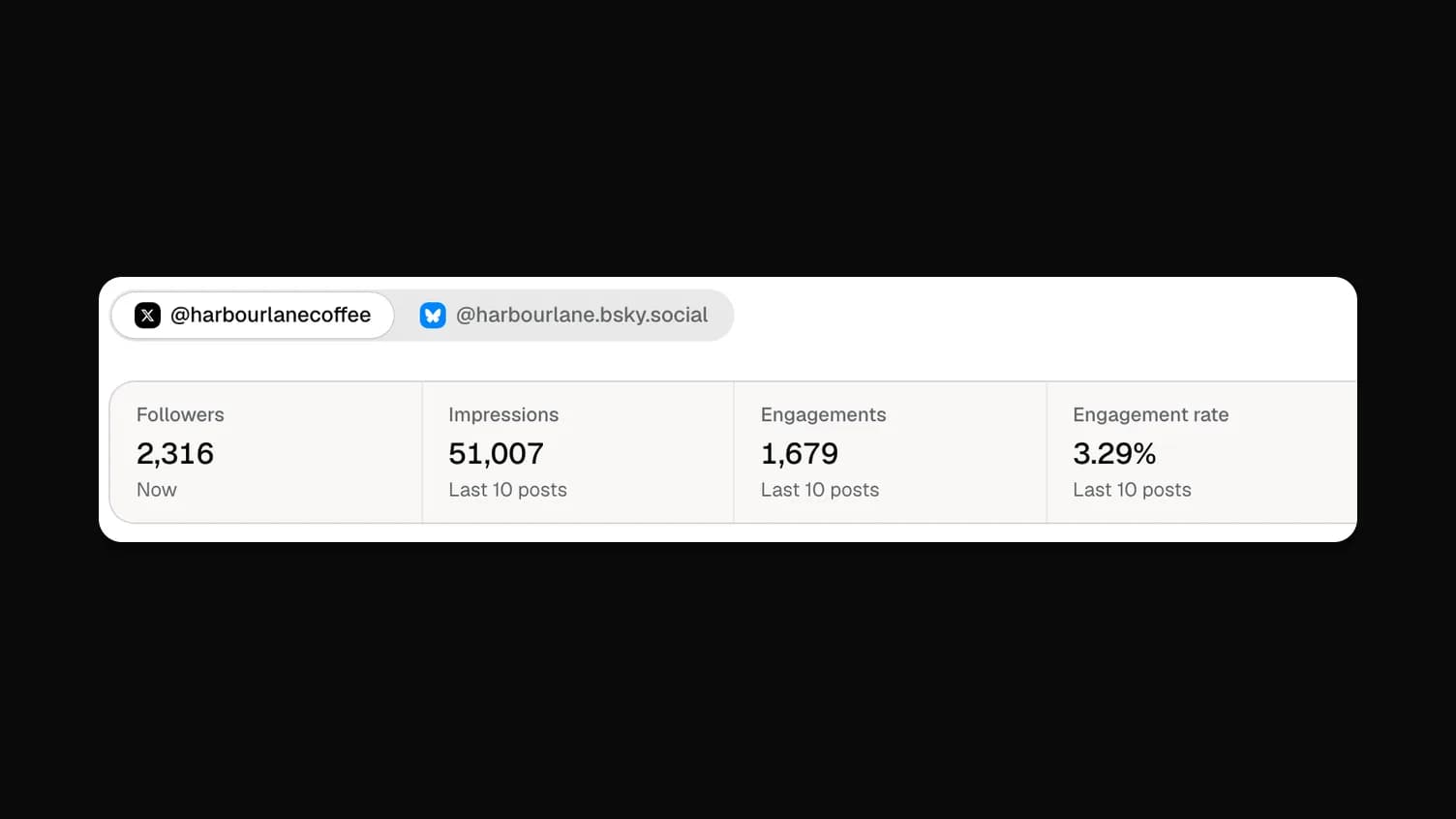
- The summary shows Followers, then Impressions, Engagements, Engagement rate, Link clicks and Profile clicks for your posts from the last 28 days.
- Under Posts, your 10 latest posts show impressions, likes, replies, reposts and link clicks. Click the arrow on a post for the rest.
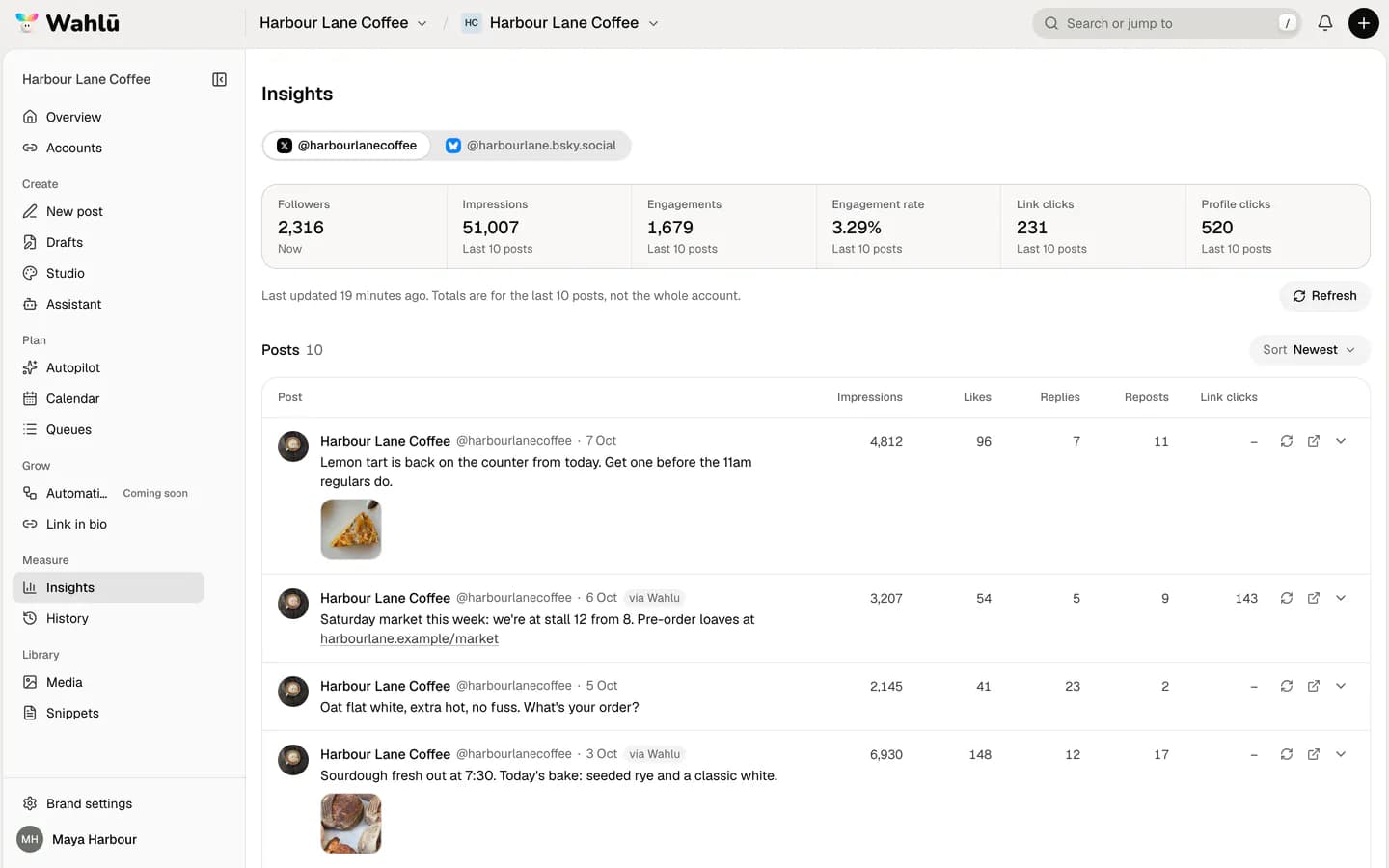
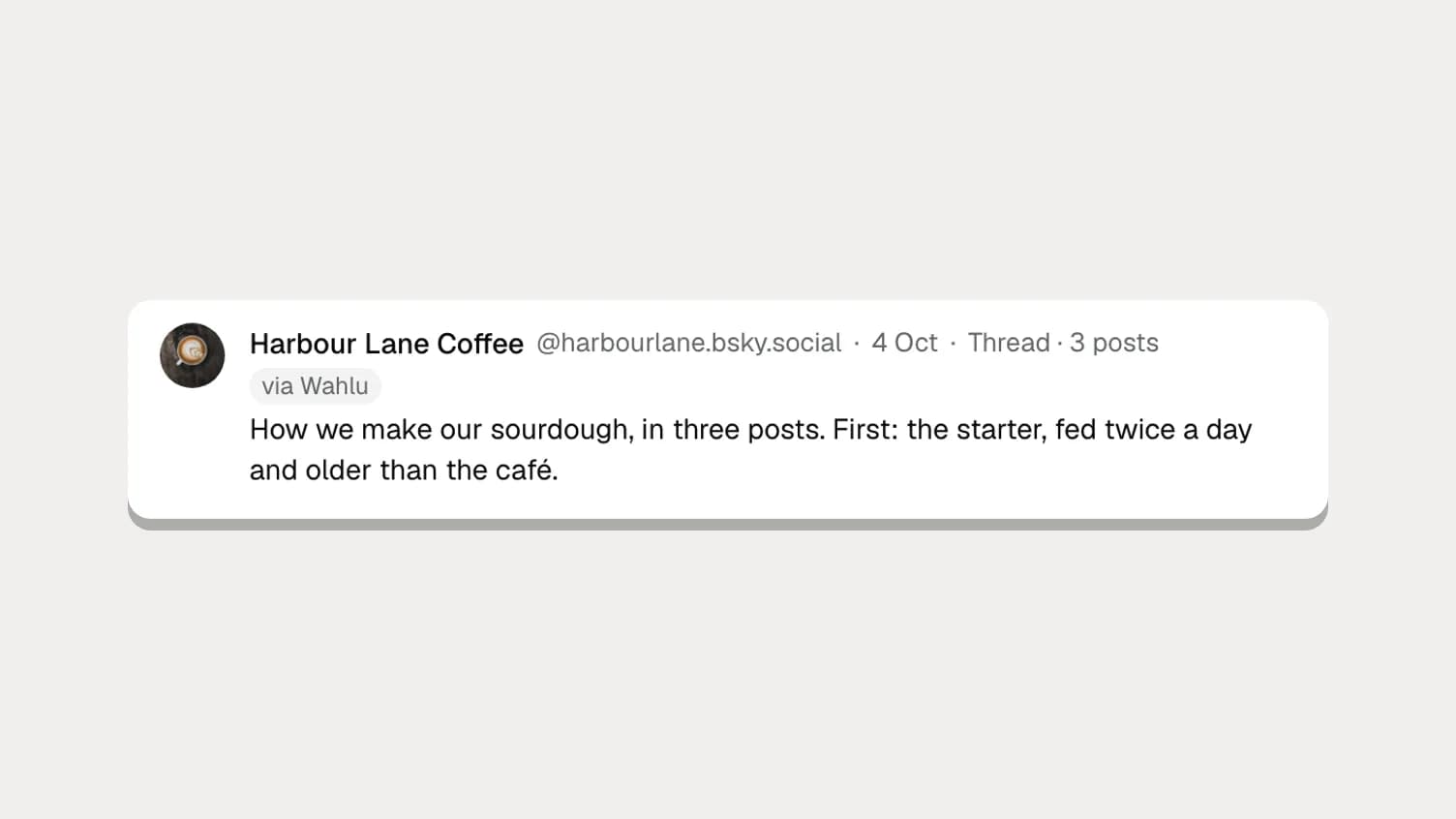
Posts you made on X itself are listed too, so you see the whole account. Posts sent from Wahlu have a via Wahlu tag. Wahlu saves the numbers the first time you open Insights; click Refresh for the latest, at most every 15 minutes for the list and every 5 minutes for one post.
Find your best post in ten seconds
Click Sort and pick Link clicks. The post that sent the most people to your site moves to the top. Then sort by Engagement rate and see whether the same post wins.
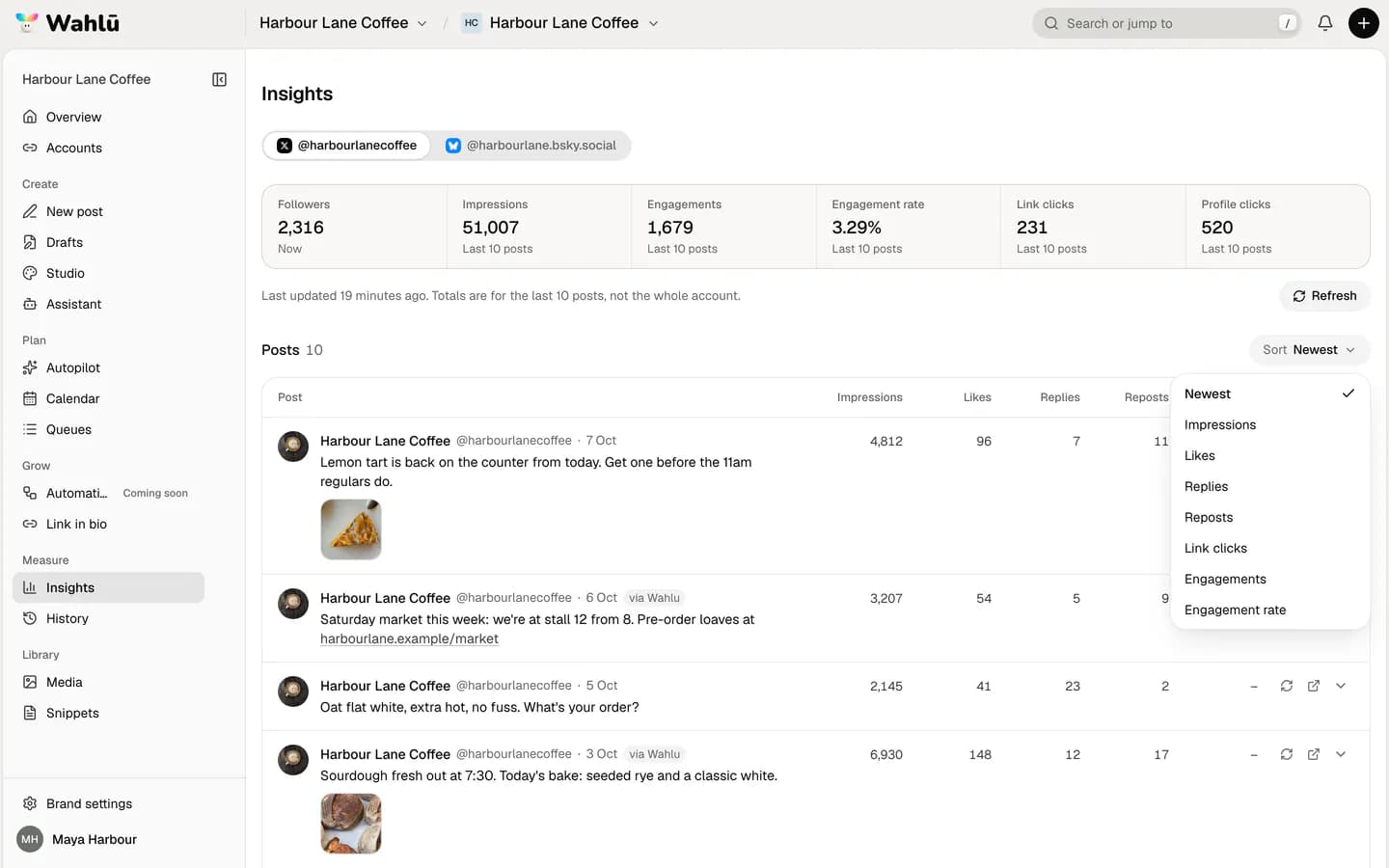
When they disagree, both are telling you something. The link-click winner had the offer people wanted. The engagement-rate winner had the words or picture people liked. Your next post can borrow from both.
A fifteen-minute monthly check
- On the first of the month, open Insights and pick your X account. Write down your followers and the five totals.
- Sort by Link clicks and note the top post and what it linked to.
- Sort by Engagement rate and note the top post and what made it different: a photo, a question, a time of day.
- Look at the bottom two by engagement rate. Is there a type of post you can stop making?
- Plan next month's posts with more of what worked, and schedule them in one sitting.
Keep the notes somewhere simple, a spreadsheet is fine. After three months you'll know more about your audience than any benchmark article can tell you.
Things that skew the numbers
- One post that takes off. A single post with ten times your usual impressions lifts the 28-day totals. Look at the posts, not just the totals.
- Posting more. If you post a lot, Wahlu's totals cover your last 10 posts instead of 28 days. The label under each number says which.
- Replies and reposts aren't included. The totals count your own posts, not your replies to other people or your reposts of them.
- Old posts lose link and profile clicks. After 30 days X stops sharing them, which shows as a dash.
Posting to X from Wahlu: the limits
If you schedule your X posts in Wahlu, three limits are worth knowing, because they come from X's pricing for apps:
- Paid plans and the trial include up to 300 X posts a month for the workspace. On Free, X posts count towards your 3 posts a month.
- 15 posts with a link are included each month. X charges apps much more for posts with links, so each extra one uses 85 credits.
- X doesn't allow the same post twice within seven days, or the same post on more than one account. Write different words each time.
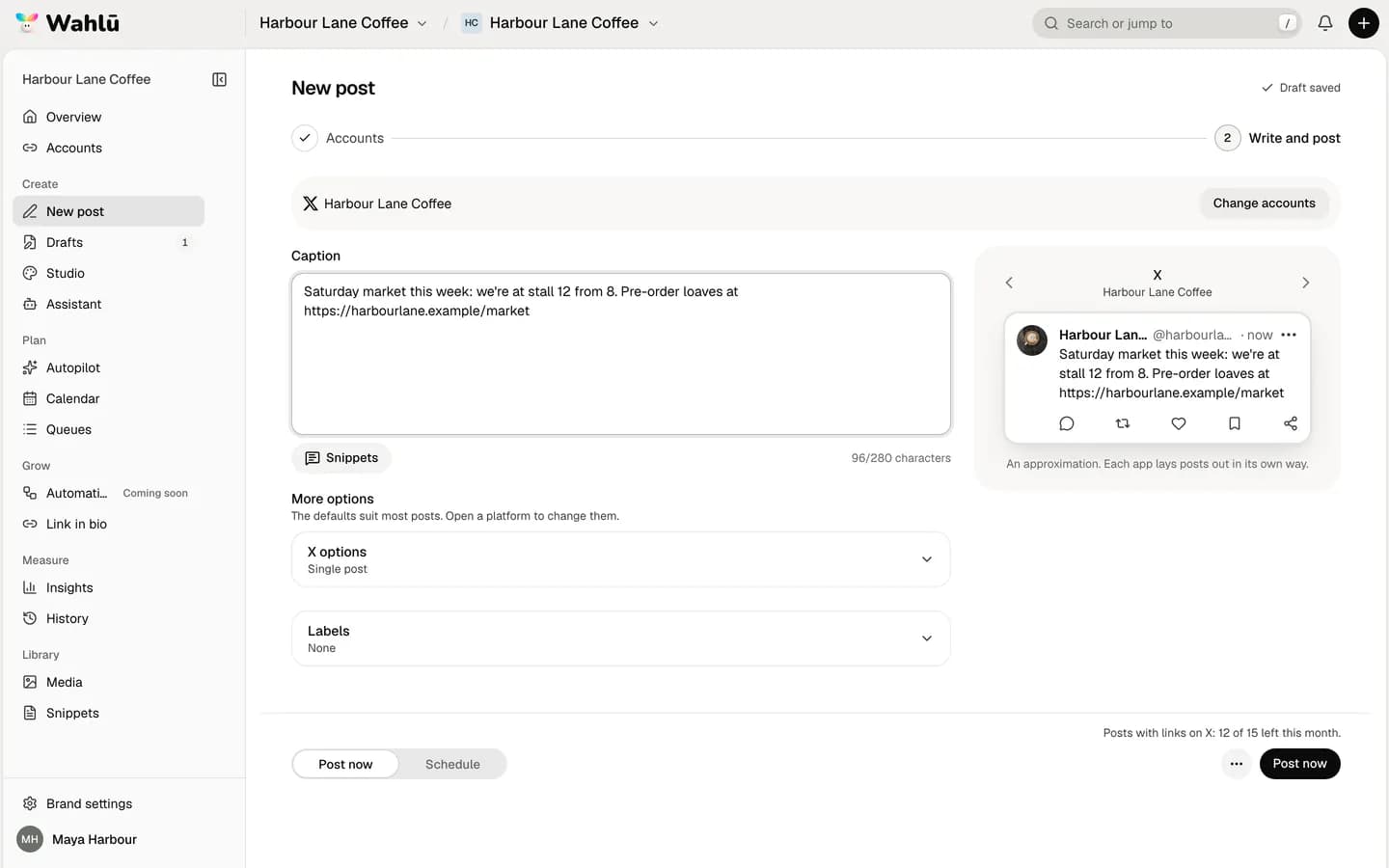
The Post to X help article has the details, and the free X character counter checks a post against X's own count, where a link is 23 characters.
Doing the same on Bluesky
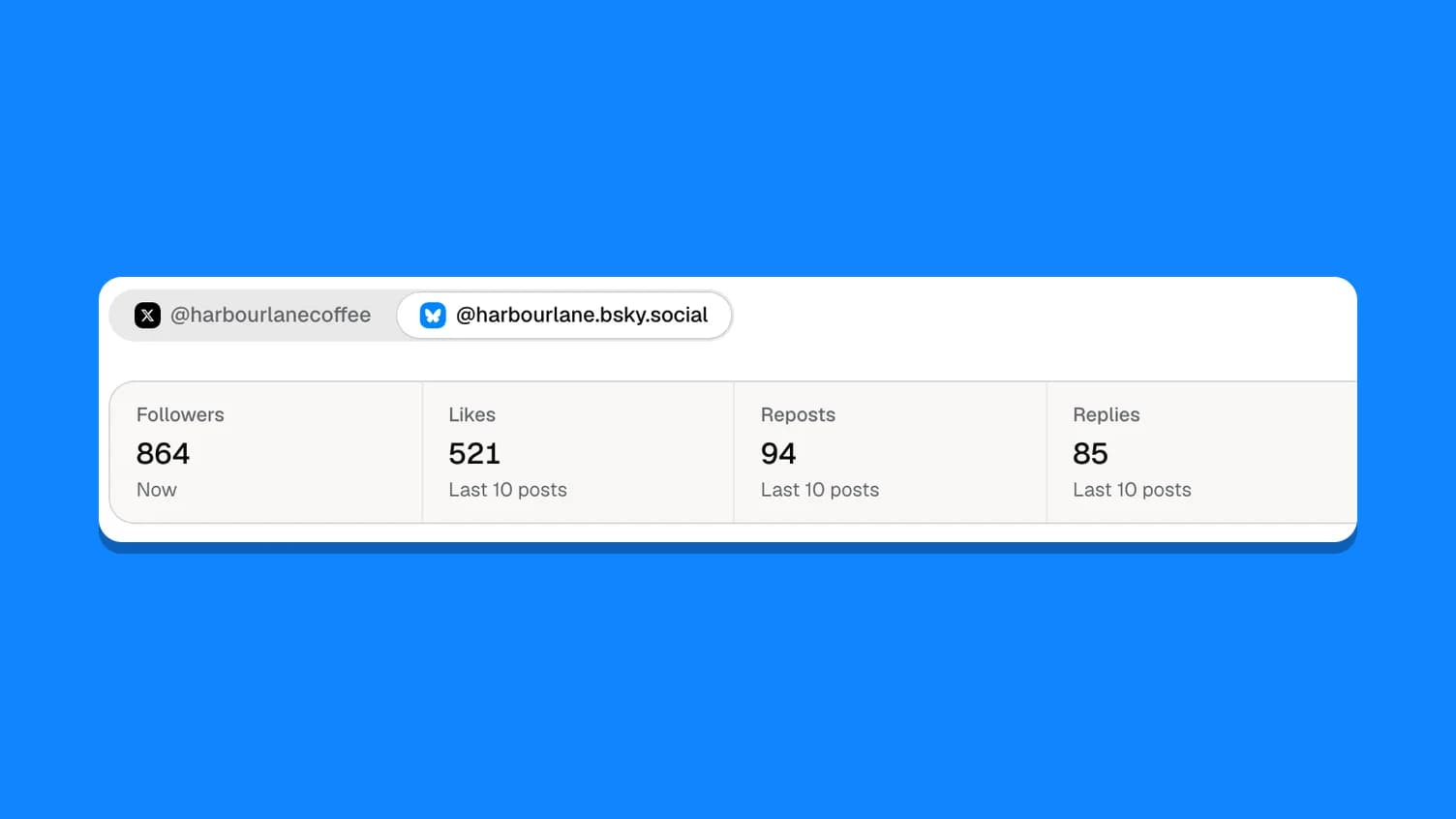
Bluesky shares less than X: likes, reposts, replies, quotes and followers, but no impressions or link clicks. Bluesky analytics: what you can and can't measure covers how to work with that.
Want your AI agent to draft the posts as well? Schedule X posts with Claude, ChatGPT or Codex. Plans with Insights are on the pricing page.