Product guide
Bluesky analytics: what you can and can't measure
Bluesky shares likes, reposts, replies, quotes and followers with apps, but not views. Here's how to read the numbers you do get, and how to fill the gaps.

Founder and CEO, Wahlu
· 3 min read
If you've moved some of your posting to Bluesky, sooner or later you'll want to know whether it's working. The honest answer is that you can measure some things well, and one big thing not at all.
This guide explains what Bluesky shares with apps, how Wahlu shows it, and what to do about the gaps.
What Bluesky shares, and what it doesn't
Every Bluesky post is public data on the AT Protocol. Apps can read the counts that anyone can see on a post:
- Likes
- Reposts
- Replies
- Quotes
- Bookmarks
- Followers for the account
What apps can't read is anything about who saw a post. There are no impressions, views or reach numbers to collect, so no scheduler or analytics tool can show you Bluesky impressions. If a tool claims to, ask where the number comes from.
Link clicks and profile visits aren't shared either. That matters if you use Bluesky to send people to your website or shop, and there's a simple fix further down.
See your Bluesky numbers in Wahlu
Wahlu's Insights page shows Bluesky accounts on paid plans and the $1 trial.
- Open your brand and click Insights in the brand menu.
- Pick your Bluesky account in the row of accounts at the top. Wahlu remembers your choice.
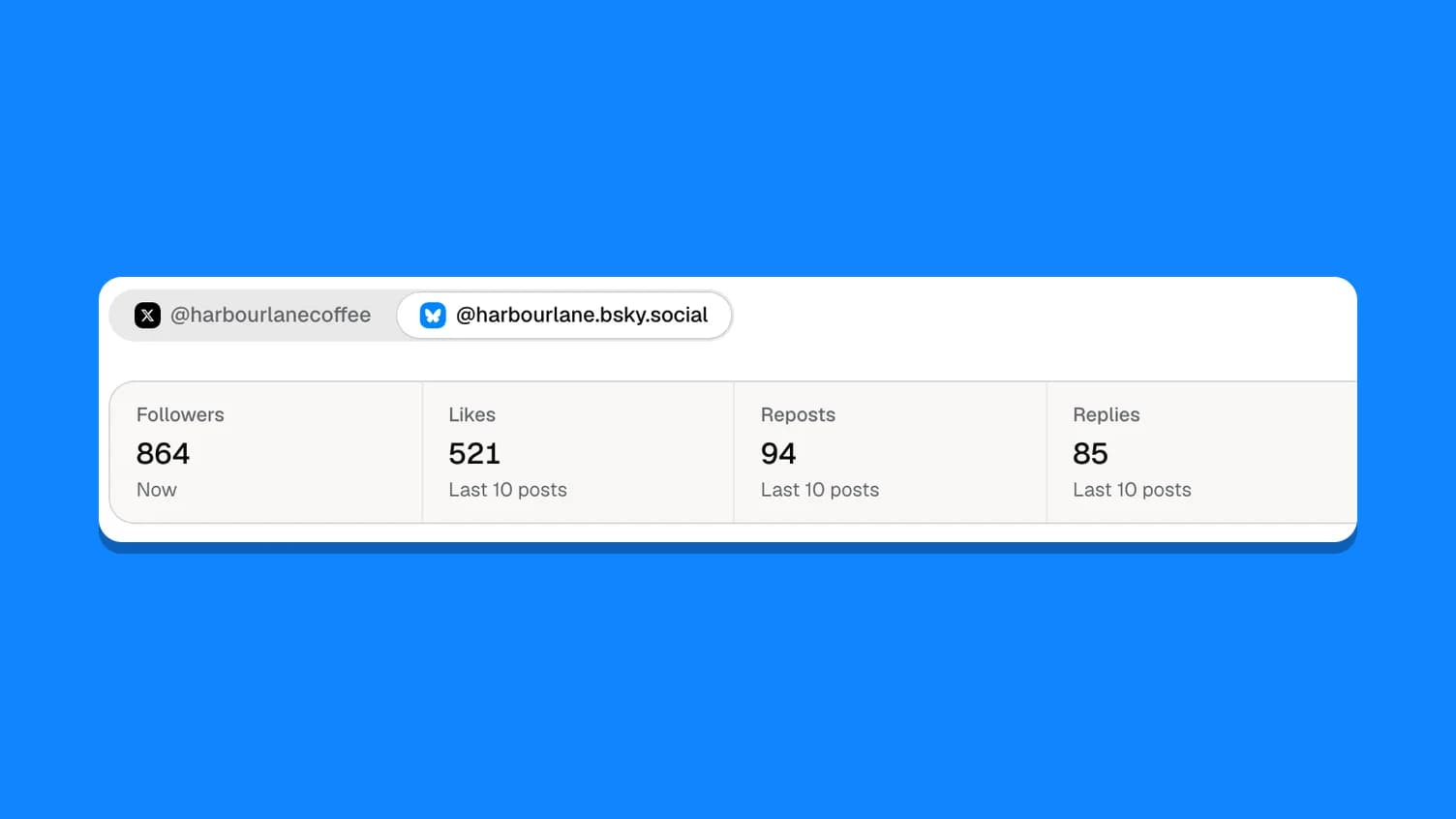
- Read the summary: Followers, then Likes, Reposts, Replies, Quotes and Engagements.
- Under Posts, see the numbers for your 10 latest posts.
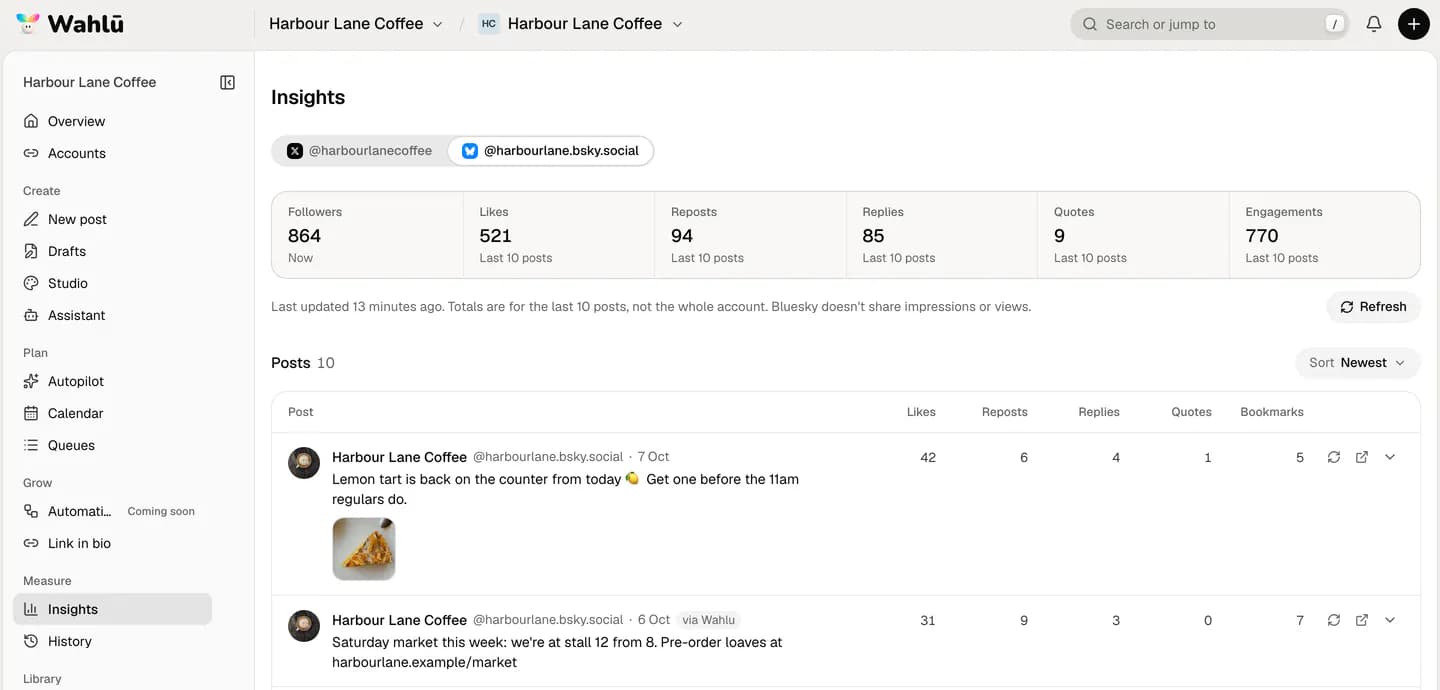
The summary adds up your posts from the last 28 days. If you post a lot, it covers your last 10 posts instead, and the label under each number tells you which. Engagements is likes, reposts, replies, quotes and bookmarks added together.
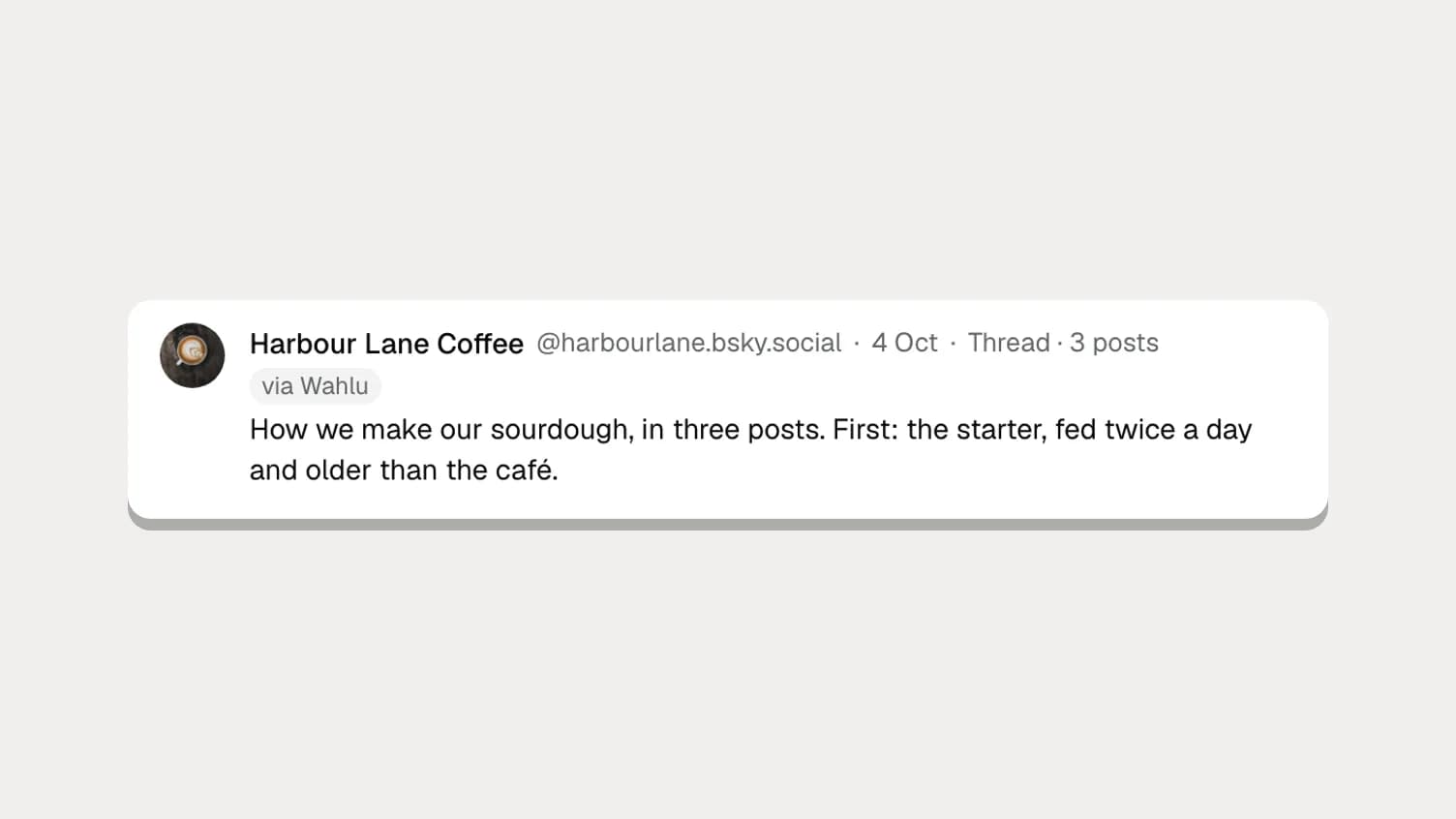
Posts you made in the Bluesky app are listed too, so you see your whole account, not just what you scheduled. Posts sent from Wahlu carry a via Wahlu tag. Your reposts of other people and your replies aren't listed, because they aren't your posts.
The numbers are saved the first time you open Insights. Click Refresh to load the latest ones; Last updated tells you how fresh they are.
Compare posts without impressions
Without views, you can't calculate a true engagement rate. You can still find out what works, by comparing posts with each other.
- Click Sort and pick Likes, Reposts or Engagements. The best post moves to the top.
- Look at the top three. What do they share? A photo, a question, a time of day, a topic?
- Look at the bottom three the same way.
A few patterns are worth watching on Bluesky in particular:
- Reposts are reach. A repost puts your post in front of the reposter's followers, so it's how a post travels beyond your own. A post with many reposts reached further, even if you can't see how far.
- Replies and quotes are conversation. They tell you a post started something. Quotes can be critical, so read them.
- Bookmarks are quiet interest. People save useful things: recipes, guides, tips.
For a rough rate you can track over time, divide a post's engagements by your follower count. It isn't an engagement rate in the usual sense, because many people who see a post don't follow you, but it lets you compare this month with last month on the same footing.
Track link clicks yourself
Bluesky doesn't tell apps how many people clicked a link, but your own website can.
Add UTM tags to links you share on Bluesky, for example:
https://yourcafe.example/market?utm_source=bluesky&utm_medium=social&utm_campaign=saturday-market
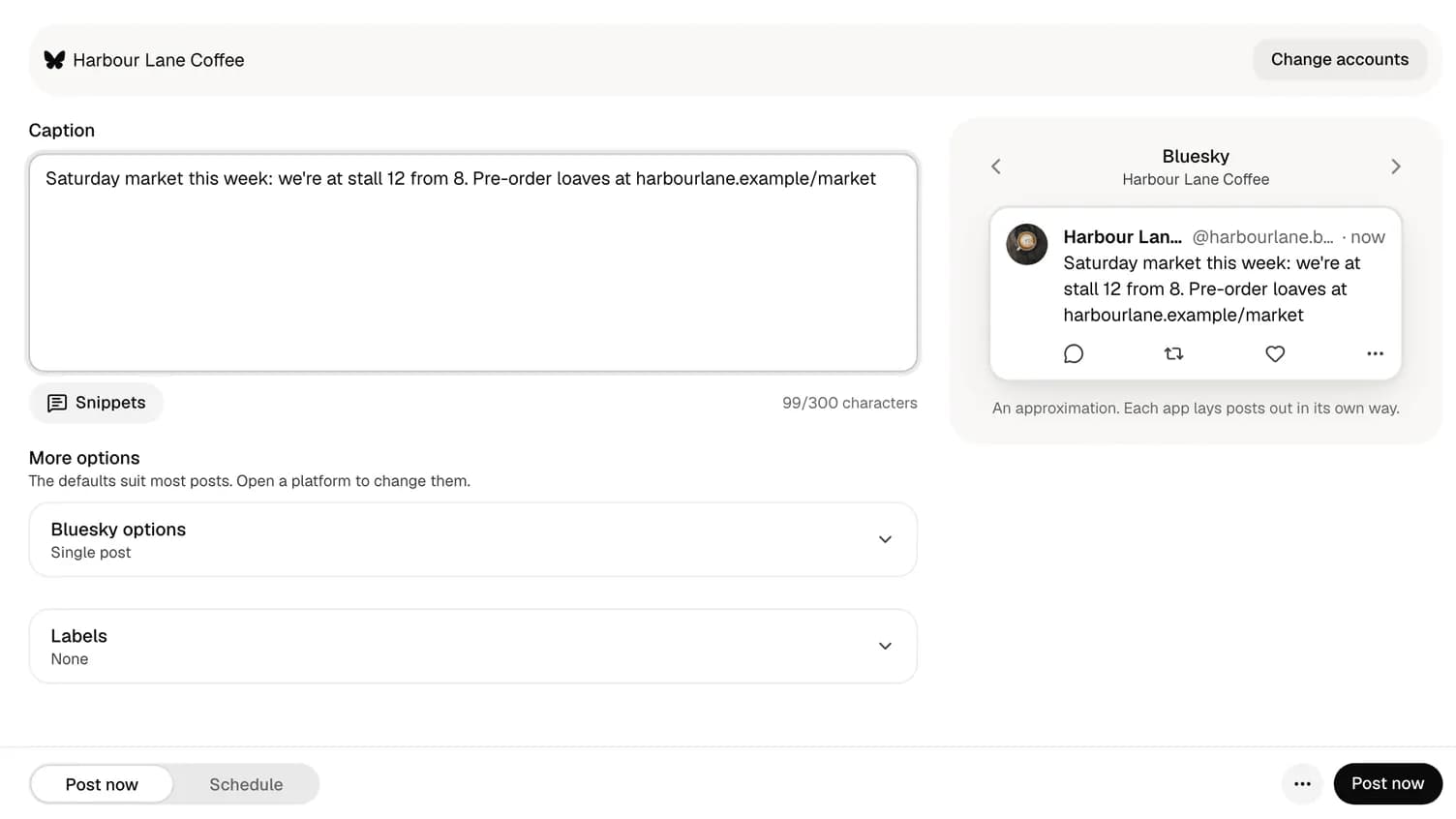
Google Analytics, Plausible and most other website analytics tools will then show visits from Bluesky, and from which post if you give each campaign its own name. Use the free Bluesky character counter to check the post still fits.
What changes on X
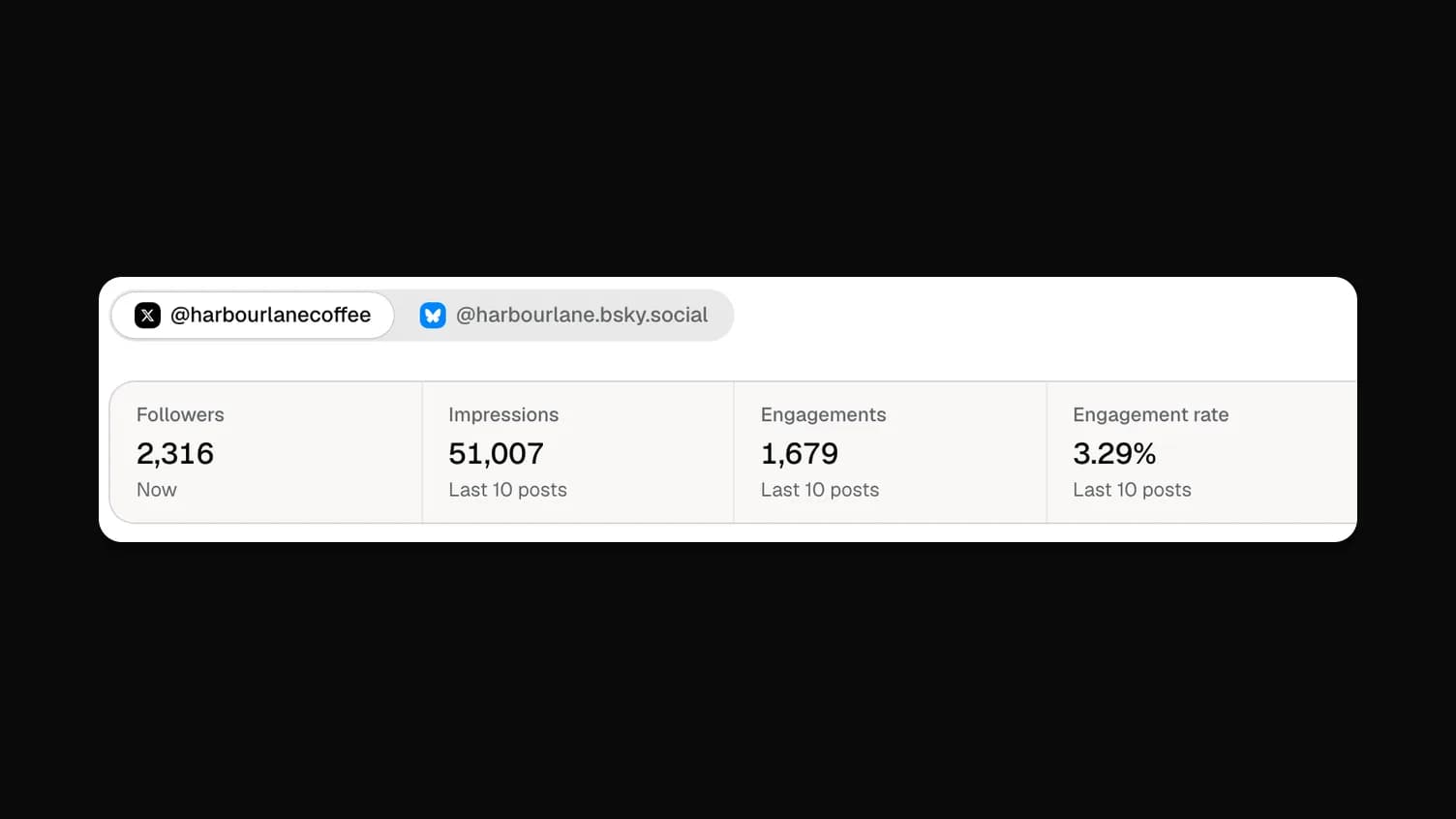
If you post to X as well, Insights there shows more, because X shares more: impressions, link clicks and profile clicks, plus an engagement rate. X analytics for small businesses covers those. It's worth not comparing the two networks' numbers directly. An X post with 2,000 impressions and a Bluesky post with 40 likes can't be lined up on one scale.
What Insights doesn't do yet
- No history over time. Insights shows the latest numbers for your recent posts, not a follower graph going back months. If you want a trend, note your follower count on the first of each month.
- Agents can't read Insights yet. Your AI agent can schedule Bluesky posts through Wahlu, but the numbers stay in the app for now.
- Instagram and Facebook Insights are coming soon. Today Insights covers X and Bluesky.
On the Free plan, the Insights page shows a note that Bluesky insights are part of paid plans, with a link to the plans.
A simple monthly routine
- On the first of the month, open Insights, pick Bluesky and write down your followers.
- Sort by Engagements and note your top three posts and what they have in common.
- Check your website analytics for visits tagged
utm_source=bluesky. - Plan next month with more of what worked. Schedule the posts in one sitting.
It takes fifteen minutes and tells you more than any single number.
More detail is in the Insights help article. If you haven't connected Bluesky yet, start with Post to Bluesky.